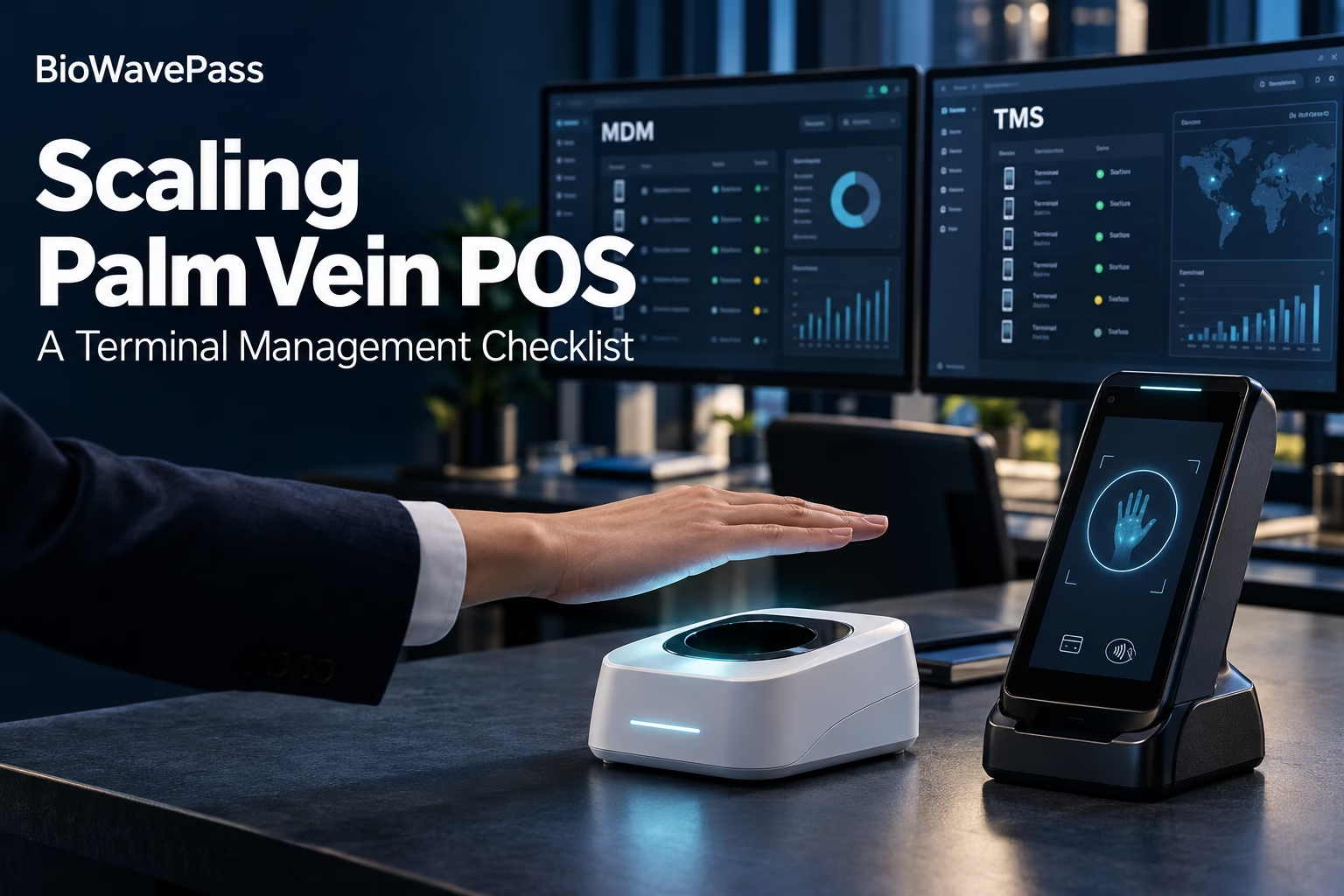
Before You Scale Palm Vein POS: A Terminal Management Checklist
Your pilot has demonstrated the user experience. The next question is how to operate the terminals across multiple locations.
Who will prepare new devices? How will applications be distributed? What can a support team do when a terminal needs attention? Can the management platform run on your own infrastructure?
For a BioWavePass project, these questions should be answered alongside hardware selection. WavePass500 and AirOne follow different management architectures, so the rollout plan must reflect the terminal you choose.
1. Confirm the Platform That Belongs to Your Device
The first checkpoint is compatibility.
WavePass500 uses a paid MDM platform. AirOne uses a free TMS platform. The two platforms are not compatible or interchangeable.
AirOne is an EMV/PCI-certified palm vein POS device. Its financial POS architecture has different requirements, which prevent it from using the WavePass500 MDM platform.
This means teams should assess each device together with its corresponding management system. Selecting AirOne does not provide access to the WavePass500 MDM feature set, and customer-hosted infrastructure does not remove this compatibility restriction.
2. Define What Happens When a New Location Opens
A repeatable onboarding process becomes useful when deployments extend beyond the original pilot team.
For WavePass500, administrators can enroll devices, assign them to groups and apply configurations. Groups can reflect merchant locations, branches or individual projects.
The MDM platform supports settings such as:
- Wi-Fi configuration.
- Password requirements.
- Application restrictions.
- Kiosk behavior.
- URL filtering.
- OpenVPN configuration.
Bulk import and export assist with fleet administration. Together, these functions let teams prepare a common configuration for terminals serving the same purpose.
For AirOne, discuss the required onboarding workflow with BioWavePass and confirm which functions are available through its TMS.
3. Establish an Application Distribution Process
Before expanding, decide who maintains application versions and who authorizes changes to devices in the field.
WavePass500 MDM supports APK version management. Administrators can assign installation, update and removal actions through device configurations, as well as distribute configuration files and certificates to selected profiles.
A practical rollout plan should identify:
- Which application version each device group requires.
- Which administrators can change its configuration.
- How deployment status will be reviewed.
- Who will handle terminals that need additional attention.
AirOne application operations must be evaluated within its dedicated TMS architecture. WavePass500 MDM functions should not be used as a substitute for confirming AirOne requirements.
4. Agree on the Remote Support Workflow
A terminal issue at a distant location needs a clear route from reporting to investigation.
With WavePass500 MDM, support teams can inspect device logs and review the last synchronization information. Remote desktop assistance is available after acceptance on the terminal.
Supported remote commands include reboot, lock, unlock and factory reset. Administrator permissions should determine who can access the relevant device groups and configurations, while audit logs allow administrative actions to be reviewed.
Where enabled and supported, location and geofencing functions can provide additional operational context. These functions depend on plugins, permissions, device support, location services and connectivity.
For an AirOne rollout, confirm the available TMS support tools separately before defining service procedures.
5. Resolve Hosting Requirements Before Ordering
A requirement for private infrastructure can influence both device selection and project scope.
| Deployment Question | WavePass500 | AirOne |
|---|---|---|
| Which platform accompanies the device? | Dedicated MDM | Dedicated TMS |
| Is the management platform paid? | Yes | No, the TMS platform is provided free |
| Can it run on a customer private server? | Available by arrangement | Outside the standard hosted arrangement |
| What must be confirmed? | Licensing, implementation, server requirements and maintenance responsibilities | TMS scope and any proposed private hosting arrangement |
| Is there a private deployment MOQ? | Confirm project terms | At least 5,000 units before evaluation |
| Can AirOne use WavePass500 MDM? | No | No |
For WavePass500, the paid MDM can be deployed on the customer’s private server. The deployment discussion should cover server capacity, network connectivity, administrator access and ongoing maintenance.
AirOne normally uses a hosted TMS. Private deployment requires a minimum order of 5,000 units and project review.
The 5,000-unit threshold is an evaluation prerequisite, not an automatic commitment to private deployment. Hosting scope and commercial terms must still be agreed for the project.
6. Map the Other Layers of Your Palm Vein System
Terminal management is one part of the overall architecture.
A decision to host MDM privately does not establish where biometric templates, palm images or payment records are stored. It also does not define the infrastructure used for palm vein matching or transaction processing.
Document these layers independently:
- Terminal management: device administration, application operations and supported policies.
- Biometric services: recognition processing and the associated data architecture.
- Payment services: transaction processing and the relevant integration requirements.
This gives IT, product and operations teams a clearer view of responsibilities before the rollout expands.
Bring a Clear Deployment Brief to BioWavePass
The most useful starting point is a brief that connects your terminal choice with how the fleet will operate.
Share the selected model, expected order quantity, target markets and planned locations. Include your application distribution needs, remote support expectations and hosting preference.
BioWavePass can then review the management path associated with your device and clarify the project-specific scope.
Visit our [Palm Vein Terminal Management Solution]to explore WavePass500 MDM and AirOne TMS before planning your next rollout.
Share this article
About the Author

You might also like
Scaling Palm Vein Payment: Single Server or Kubernetes Cluster?
Why Saving Original Palm Images Matters for Biometric Recovery and Future Upgrades By BioWavePass
Optimizing Palm Payment Performance: AirOne Palm Module Firmware v2.4.4
Bringing Palm Vein Scanning into a Web Workflow
From Palm Payment MVP to Commercial Deployment: Building a Scalable Biometric Payment System
How to Integrate a USB Palm Vein Scanner with a POS Terminal

Palm Payment Goes Live in Azerbaijan: From Biometric Technology to Real-World Payment
From MVP to Market: Scaling Palm Vein Technology with BioWavePass
Palm Vein Payment: How Biometric Payments Work Without Cards or Phones