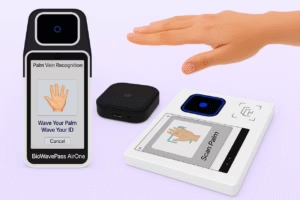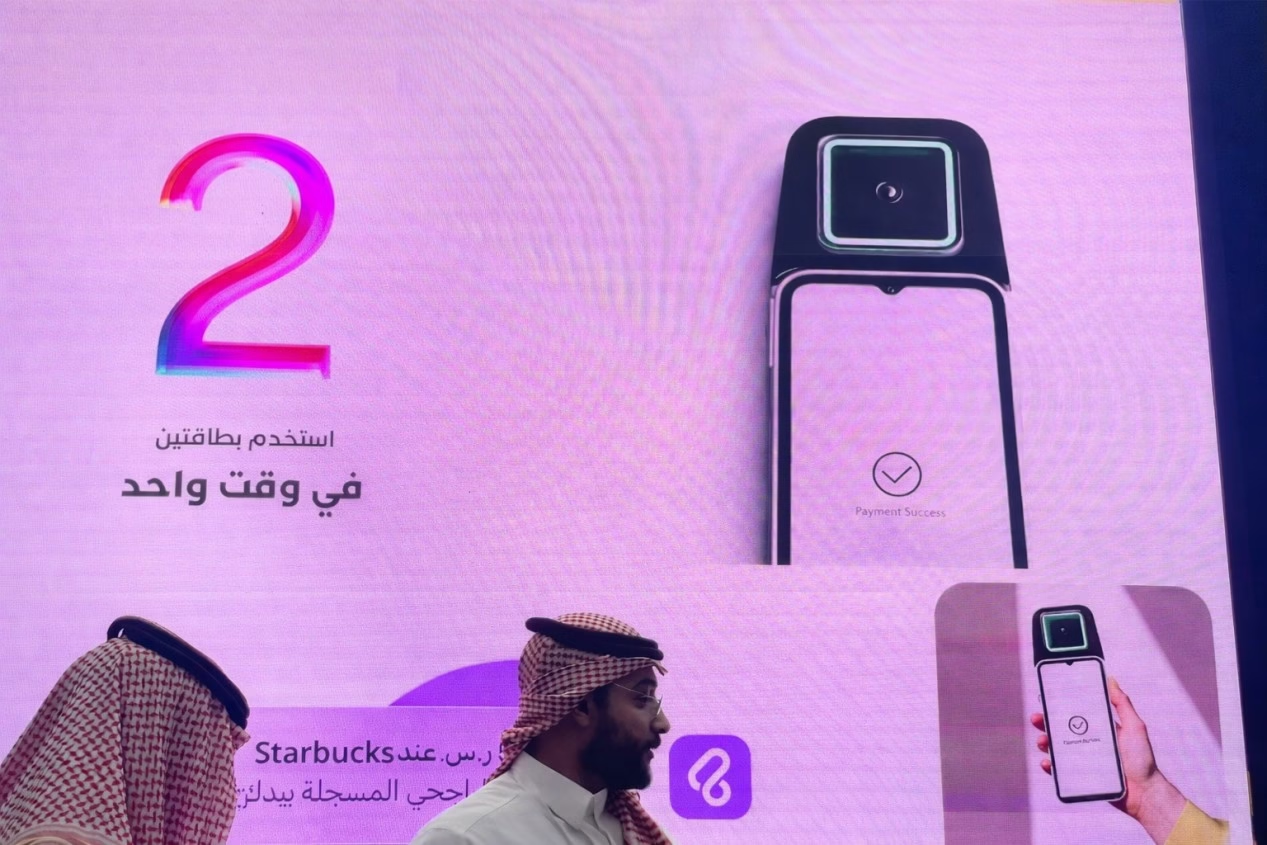
How to setup Palm Payment? Designing a Seamless Palm Payment Flow for Fintech and Payment Platforms
As palm-based payments move from pilot projects into real commercial environments, fintech development teams are increasingly focused on one key question:
how to design a customer flow that is secure, intuitive, and fast, while fitting cleanly into existing banking or wallet-based payment architectures.
Below is a practical palm payment flow model, suitable whether the customer uses a banking app or a payment company’s own e-wallet application. The flow is designed to minimize checkout friction while maintaining strong identity assurance and clear system boundaries.
The Design Goal: One Flow, Multiple Systems, Low User Friction
In a typical palm payment scenario, several systems work together in real time:
- A banking app or e-wallet app, which authenticates the customer
- A palm payment terminal, which captures biometric identity
- A payment orchestration system, which coordinates customer profiles and transactions
- The merchant checkout, which requires fast confirmation
The challenge is to connect these systems without forcing customers to repeat steps or understand technical complexity.
Step 1: QR Code as the Trust Anchor
The flow starts at the cashier.
- The customer approaches the checkout counter.
- A QR code is generated on the Palm Payment terminal.
- The customer opens either their mobile banking app or a payment wallet app and scans the QR code.
At this stage, the app authenticates the customer within its own trusted environment.
This ensures that identity verification happens inside a system that already manages user credentials, security controls, and account access.
Once confirmed, the customer identity and payment account are securely established for the session.
Step 2: Palm Terminal Activation
After successful authentication in the app, the Palm Payment terminal is activated.
This activation is:
- Session-based
- Time-limited
- Bound to a specific authenticated user
The terminal is now ready to capture the palm biometric only for this transaction context.
Step 3: Palm Scan and Identity Linking
When the customer scans their palm, the Palm POS terminal performs multiple actions at the same time:
- The palm is scanned and converted into biometric data
- The biometric data is linked to the user identity authenticated via the app
- Customer profile information is transferred to the payment orchestration system
- A customer profile is created if it does not already exist
- The palm biometric template is associated with this profile
This step establishes a strong link between:
app-authenticated identity, palm biometric identity, and the payment system profile
All without additional customer input.
Step 4: Payment Initiation and Authorization
Once identity linking is complete, the payment flow begins.
- The payment system sends the transaction amount to the bank or wallet system for authorization.
- The system checks the customer’s balance or available funds.
- If approved, an authorization response is returned.
- The transaction is accepted at the cashier.
- Funds are debited from the customer and settled to the merchant.
From the customer’s perspective, the process feels like one continuous action.
Why This Flow Works for Fintech Development Teams
This model addresses common technical and product concerns:
Flexible app ownership
The flow works equally well with:
- Bank-owned mobile apps
- Payment company e-wallet apps
Clear system responsibilities
- The app handles authentication and account ownership
- The palm terminal captures biometric identity
- The payment system orchestrates profiles and transactions
Strong security with minimal steps
QR-based authentication ensures identity certainty before biometric capture begins.
Scalable architecture
Supports first-time users, repeat users, and large-scale merchant expansion.
A Practical Blueprint for Palm Payment Integration
This palm payment flow reflects how real fintech and payment platforms can integrate palm biometrics into existing ecosystems.
By anchoring trust in the user’s app, activating palm scanning only after authentication, and coordinating transactions through a central system, teams can deliver a palm payment experience that is:
- Secure
- Fast
- Intuitive
- Ready for commercial scale
Conclusion
Palm payment is not just about biometric hardware.
It is about designing the right interaction between apps, identity, and payment systems.
Whether powered by a bank app or a payment wallet app, a QR-first, palm-second flow provides a balanced and developer-friendly path to deploying palm-based payments in real-world environments.
Learn More from: https://biowavepass.com/palm-vein-payment-solutions/
Share this article
About the Author

You might also like
Which Is the Best EMV & PCI Certified Palm Vein POS Terminal?
Will Palm Vein POS Support Existing EMV, NFC, and QR Payment Ecosystem?

Why Palm Vein Technology Is Emerging as a Payment-Grade Biometric Standard
Where Is Palm Vein Biometric Data Stored and How Is It Secured?
How Do You Choose the Best Palm Vein Technology for Real Projects?
How to Solve Power Issues in Palm Vein Scanner Projects?
What Is Palm Scanning Technology?
How Palm Vein Biometrics Can Be Integrated Into Mobile Payment Systems: A BioWavePass Implementation Guide

What Is BioWavePass AirOne Mobile Palm Vein POS?