Your web application
Shows the user interface and sends an instruction when enrollment or identification is needed.
Keep your existing web workflow. A Windows background service built with the C++ SDK handles palm scanning, while your application decides when to start and what to do with the result.
The browser does not call the biometric SDK directly. Your Windows program acts as a bridge between the web workflow and the USB scanner.
Shows the user interface and sends an instruction when enrollment or identification is needed.
A C++ program you build with the SDK receives the request and manages the scanner-level instructions.
Captures the palm data required by the selected biometric workflow. The service returns the outcome to your app.
The version you need depends on where biometric matching takes place. A server that only distributes features between local devices is different from a server that performs matching.
Choose this route when matching runs on infrastructure you control, including a private server or private cloud.
Choose this route when the local device environment performs matching. A local server may distribute enrolled features between devices; it does not perform the match.
Start with the matching location, then check the size of your enrolled population.
Keep device control and business logic in their proper places.
The web app asks the Windows service to start a scan.
The service sends scanner instructions through the C++ SDK.
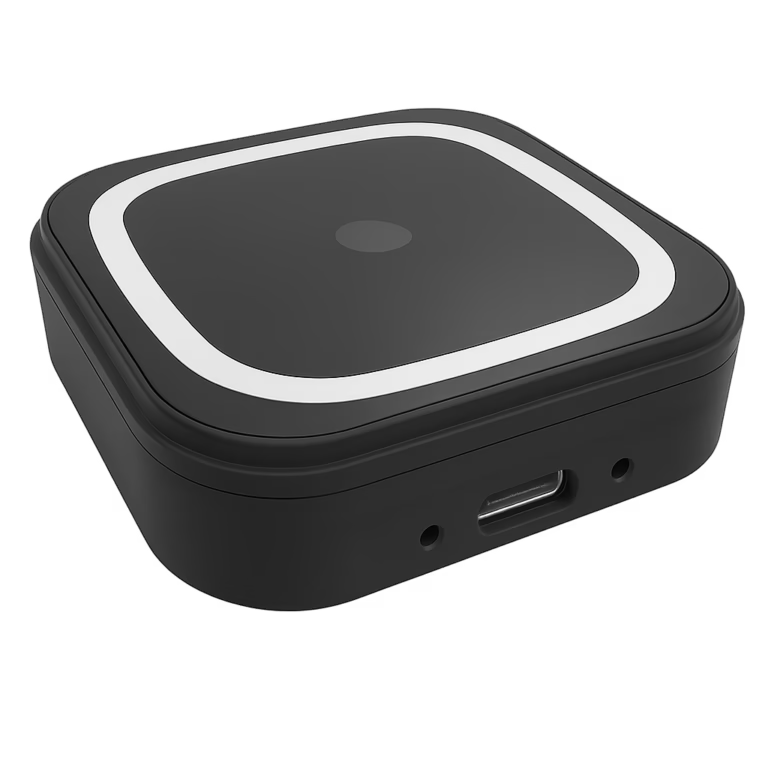
PalmVein01 captures the presented palm.
Matching runs locally or on your server, according to your architecture.
The result returns to the web app for the next business step.
Tell us where your application runs, where you want matching to happen, and how many users you expect to enroll. We can help you evaluate the PalmVein01 version and SDK approach.