YES
Select PalmVein01
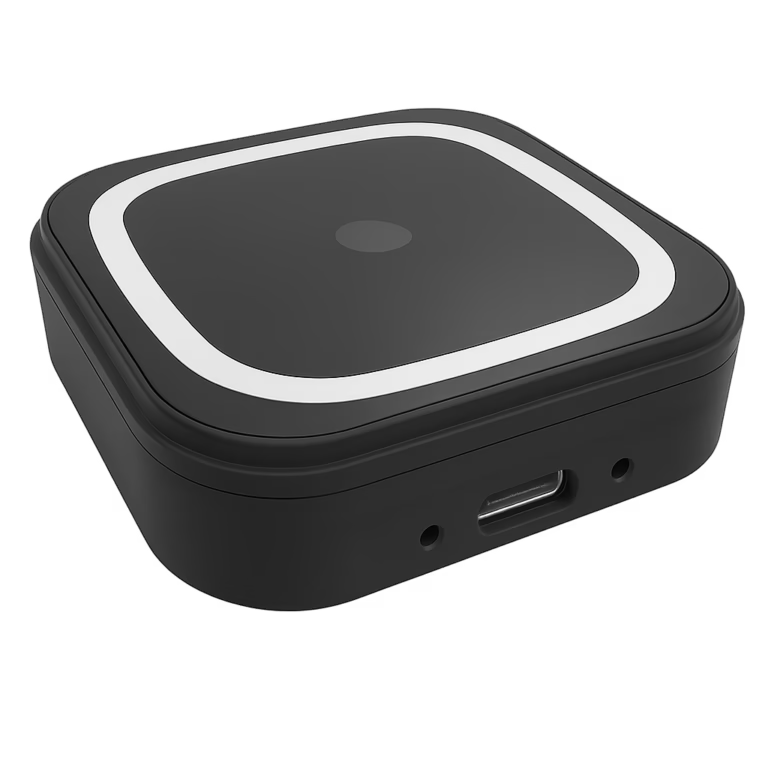
PalmVein01 is powered directly through USB. The connected host must provide a stable 5V / 1.5A supply throughout operation.
View comparison →USB Palm Vein Scanner Selection Guide
Choose the right scanner by checking two host requirements first: a stable USB power supply and bidirectional USB data communication.
Decision 01 · USB power
USB power capability is the first difference between PalmVein01 and PalmVein01 Pro.
PalmVein01 is powered directly through USB. The connected host must provide a stable 5V / 1.5A supply throughout operation.
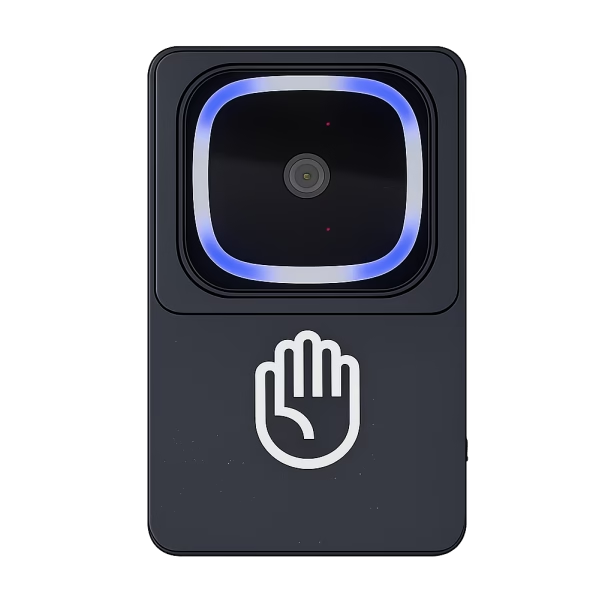
View comparison →PalmVein01 Pro has a built-in battery, reducing dependence on the power output capability of the host USB port.
View comparison →Decision 02 · USB data
For both models, the USB connection must support bidirectional data communication between the Palm Vein Scanner and the host system.
PALM VEIN SCANNER
Host USB restrictions
Some host devices restrict communication with external USB peripherals. Check these conditions with the host manufacturer or technical team before choosing the scanner.
Are external USB devices supported by the host?
Does the USB port allow bidirectional communication with external devices?
Can the operating system detect and communicate with the Palm Vein Scanner?
Quick selection guide
Use this summary after confirming the actual USB specifications of the host device.
| Requirement | PalmVein01 | PalmVein01 Pro |
|---|---|---|
| USB 5V / 1.5A available | Mandatory | No impact |
| USB power below 1.5A | Cannot work | No impact |
| Built-in battery | No | نعم |
| Operation while charging | USB plug-and-power-up | نعم - one USB port for charging and one for data transfer |
| Bidirectional USB data required | نعم | نعم |
Before ordering
Share the host device specifications with our team. We will help you select PalmVein01 or PalmVein01 Pro.
BioWavePass guide
Share the host USB power and data specifications with our team before ordering.