Check USB power output
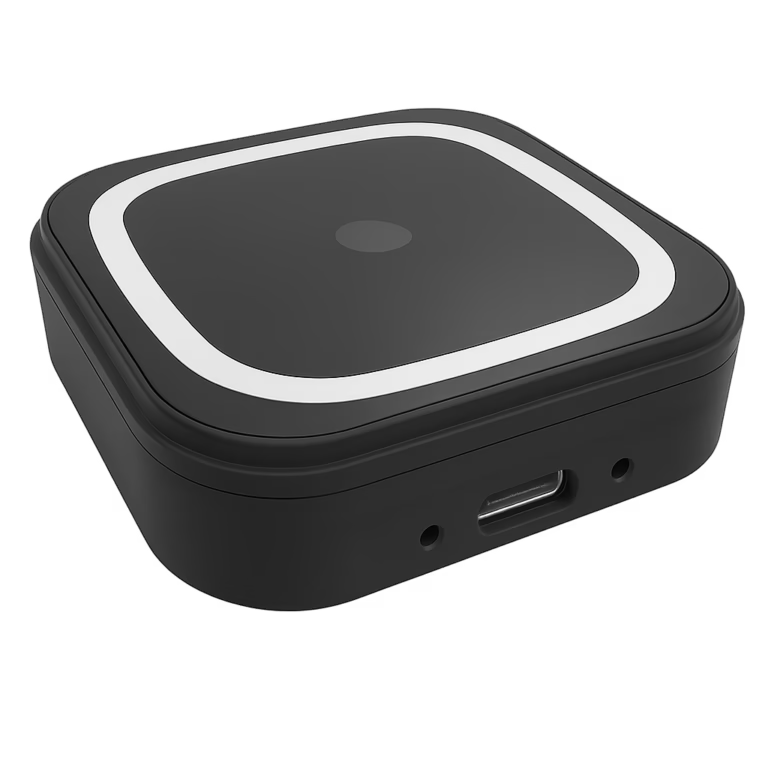
If the POS USB port supports 5V / 1.5A, choose PalmVein01. If it does not, choose PalmVein01 Pro. Both support POS devices running Android, Linux, or Windows.
Before connecting a standalone USB palm vein scanner to a POS terminal, verify power output and data-transfer capability—or select an integrated fixed or mobile palm vein payment device.
If the POS USB port supports 5V / 1.5A, choose PalmVein01. If it does not, choose PalmVein01 Pro. Both support POS devices running Android, Linux, or Windows.
The POS host’s USB interface must have data transfer enabled. A charge-only USB port cannot transmit the biometric information required for payment processing.
For a fixed, powered palm vein payment device, choose Passeur d'ondes500, which communicates with the POS system through Wi-Fi or USB. For mobile payment, choose the EMV/PCI-certified AirOne.
BioWavePass adds palm payment capability while the connected POS terminal remains responsible for payment processing and the final transaction result.
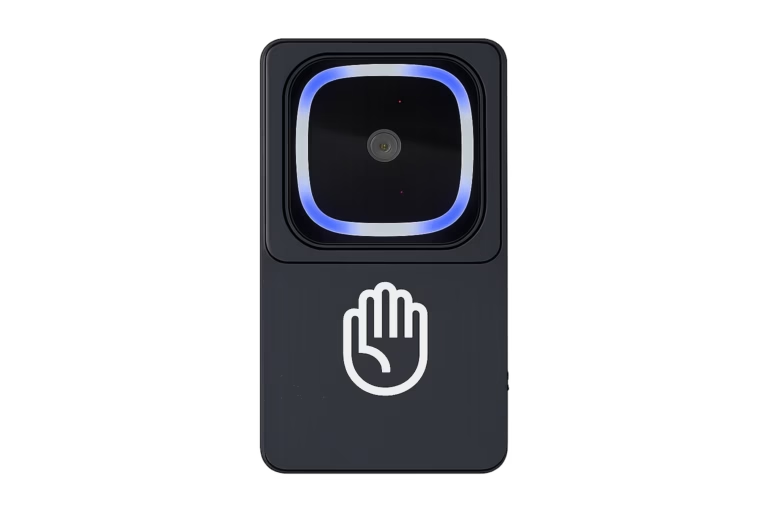
Biometric palm recognition and payment processing operate as one coordinated checkout flow while retaining clear device responsibilities.
The customer holds a palm above the palm vein scanner’s guided capture area.
Palm Vein Biometric Recognition confirms who the payer is and produces a protected, token-like identity result.
The scanner securely sends the identity result to the connected POS terminal without initiating or controlling payment.
The POS and payment system independently determine whether payment is initiated, authorized, declined, or successfully completed.
Choose an all-in-one device when a separate USB scanner and POS host are not the preferred deployment model.
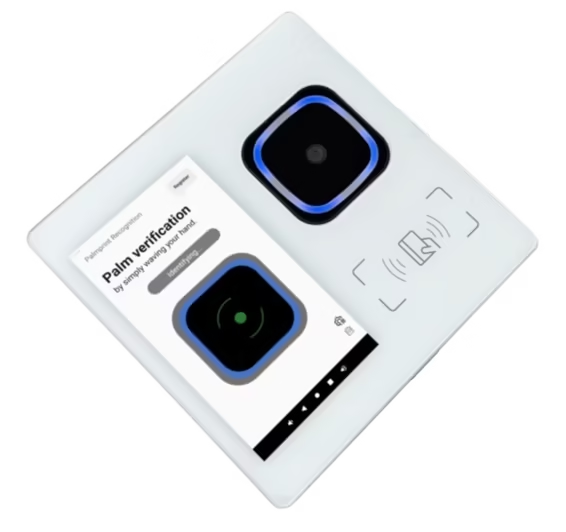 WavePass500 · Fixed
Learn More
WavePass500 · Fixed
Learn More
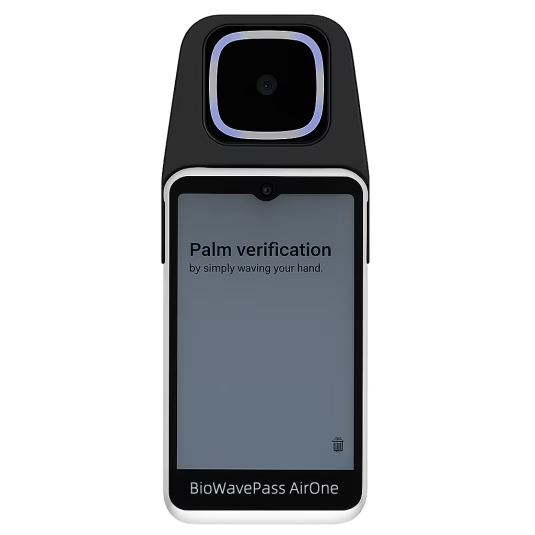 AirOne · Mobile
Learn More
AirOne · Mobile
Learn More
PalmVein01 or PalmVein01 Pro can be embedded into a kiosk enclosure and connected to the kiosk host by USB. The scanner captures the customer’s palm biometric vector while the kiosk application and payment system complete the transaction.
BUILT-IN USB PALM VEIN SCANNER
Customers present a palm above the scanner without handling a card, phone, or the scanner itself.
The POS terminal continues to control the transaction while receiving the information required for biometric payment.
Two complementary palm feature types support a robust biometric recognition process for payment use.
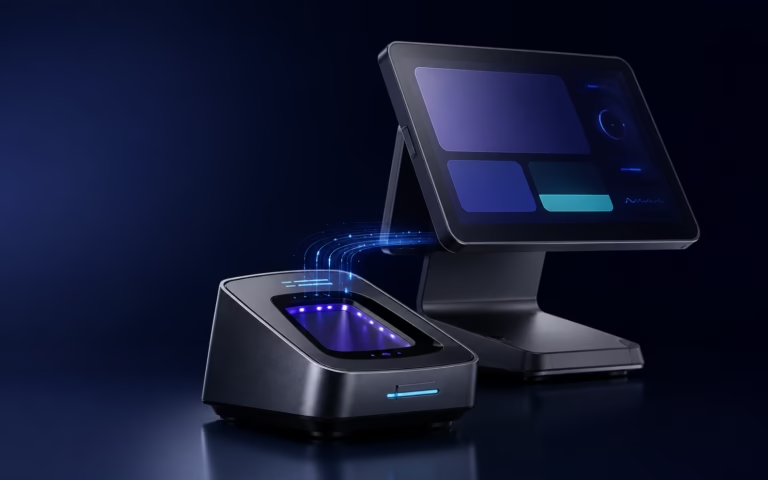
The integration is designed to transmit protected biometric results and payment-relevant information—not reusable raw palm images—to the authorized POS payment workflow. All data is stored on the customer’s own cloud server and managed in accordance with GDPR requirements.
Discuss scanner connectivity, payment workflow, and deployment requirements with BioWavePass.