Create a repeatable device profile
Enroll terminals and group them by branch, merchant location or project. Assign configurations that bring Wi-Fi settings, application restrictions and kiosk behavior into a repeatable setup.
BioWavePass / Deployment & operations
A palm vein project needs a clear operating plan as it grows. Match your terminal to its management platform, define how applications reach the field and decide who runs the infrastructure before your next deployment.
Start with the terminal
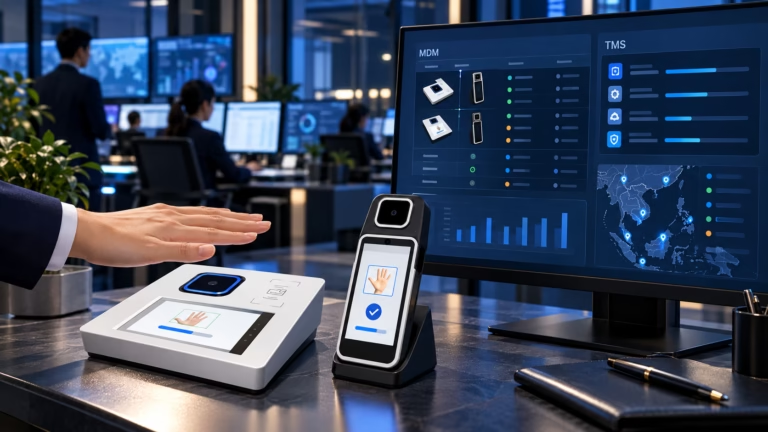
BioWavePass brings together palm vein hardware and the management options that accompany it. WavePass500 pairs with a paid MDM; AirOne includes a free TMS. AirOne is an EMV/PCI-certified palm vein POS device. Its financial POS architecture has different requirements, so it cannot use WavePass500’s MDM. The two management platforms are not compatible or interchangeable.
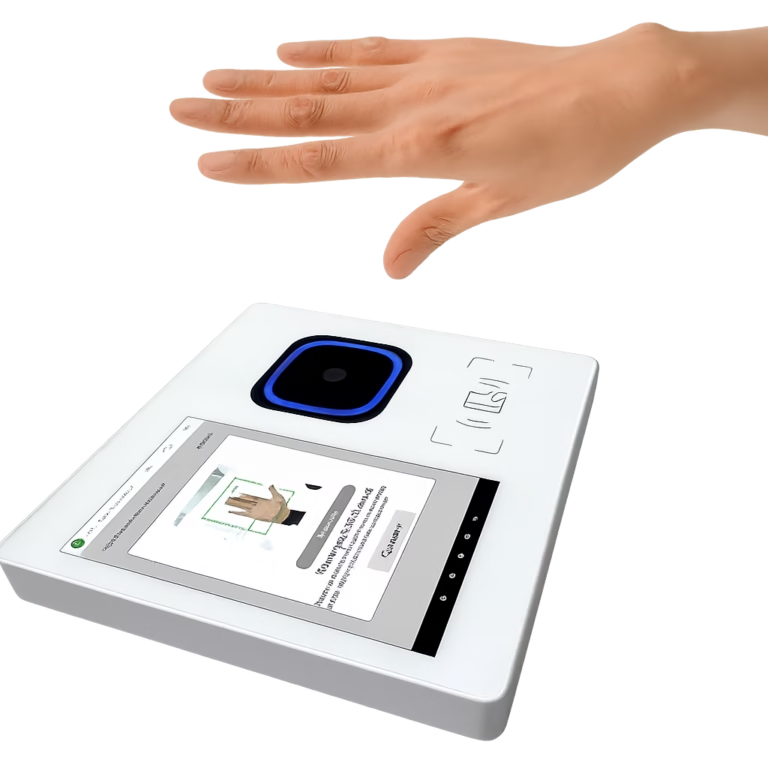
Paid platform. Customer-hosted deployment can be arranged.
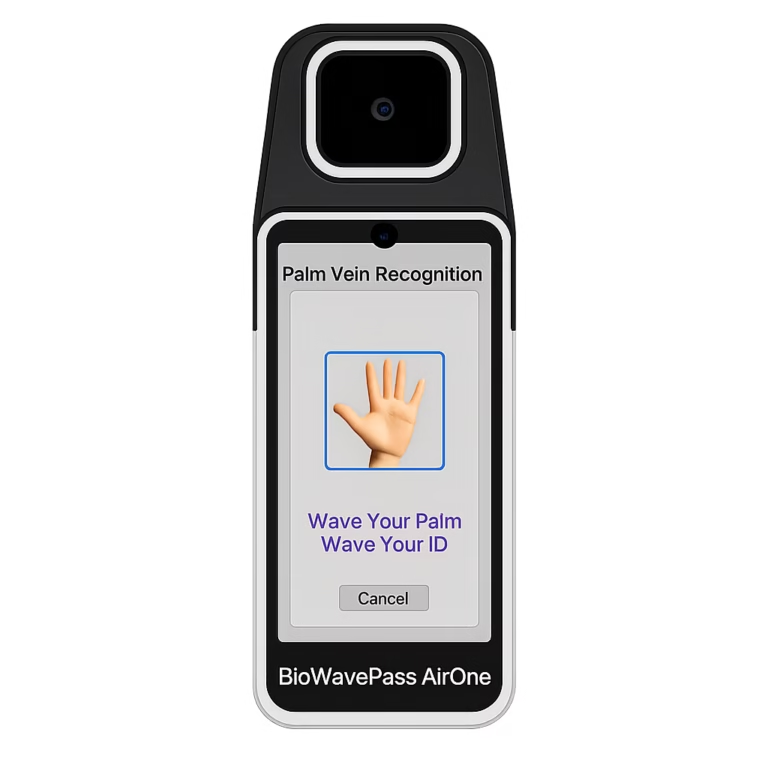
Free platform. Hosted deployment is standard; confirm the project’s TMS functions separately.
A practical rollout sequence / WavePass500 MDM
Organize the work around the device lifecycle. The following workflow uses documented WavePass500 MDM functions; it does not define AirOne TMS capabilities.
Enroll terminals and group them by branch, merchant location or project. Assign configurations that bring Wi-Fi settings, application restrictions and kiosk behavior into a repeatable setup.
Maintain APK versions and use configuration assignments to install, update or remove applications. Send required configuration files and certificates to the appropriate profiles.
Check synchronization information and device logs when investigating an issue. Start remote desktop assistance after acceptance on the terminal, or use available device commands when appropriate.
Operational controls / WavePass500
Assign administrator roles and limit access to the relevant device groups or configurations. Review audit records by administrator, action and date to trace changes.
Apply password requirements, URL filtering and supported OpenVPN settings alongside application and kiosk controls. Available remote commands include reboot, lock, unlock and factory reset.
Use bulk import and export for fleet administration. Group-based configurations let teams apply a common setup to devices serving the same operational purpose.
Where supported, view terminal locations and create circular or polygon geofences. Entry, exit or dwell events can trigger configured actions such as notifications or locking.
Location features require location services. Function availability depends on plugins, permissions, terminal support and network connectivity.
Hosting & commercial planning
Bring your IT and purchasing teams into the same discussion. Platform fees, infrastructure ownership and deployment eligibility affect the project plan.
| Planning question | WavePass500 MDM | AirOne TMS |
|---|---|---|
| Are the platforms interchangeable? | MDM for WavePass500 This platform does not support AirOne. | TMS for AirOne Financial POS requirements prevent using WavePass500 MDM on AirOne; the two platforms are incompatible. |
| How is the platform priced? | Paid MDM Agree licensing and implementation costs for the required scope. | Included free TMS is provided within AirOne’s payment terminal architecture. |
| Can we host it ourselves? | Private server option available Specify capacity, network access and maintenance responsibilities. | Hosted architecture by default Private deployment evaluation requires an order of at least 5,000 units. |
| What needs project confirmation? | MDM deployment and licensing scope Confirm the infrastructure and operational arrangements before rollout. | TMS functions and any hosting exception The MOQ allows evaluation; private hosting remains subject to project review and agreed terms. |
Hosting MDM on your server does not determine where palm templates or transaction data reside. Scope palm vein recognition, data storage and payment processing independently.
Questions for your deployment brief
No. AirOne is an EMV/PCI-certified palm vein POS device. Because financial POS systems have different architectural requirements, AirOne must use its dedicated TMS and cannot use WavePass500 MDM. These platforms are not compatible or interchangeable. The MDM functions described here apply to WavePass500 only.
Discuss WavePass500’s paid MDM private server option first. For AirOne, customer hosting is outside the standard arrangement and requires a minimum order of 5,000 units before project evaluation. Eligibility does not by itself confirm the final hosting scope or price.
Provide the device model, initial and planned quantities, countries of deployment, application distribution needs and hosting preference. Identify who will administer the platform and maintain any customer-owned infrastructure.
MDM and TMS address terminal management. Confirm biometric matching services, template storage, transaction processing and applicable payment security requirements as separate parts of the solution.
Bring your terminal choice, rollout scale and hosting priorities to your BioWavePass representative to review the management scope.