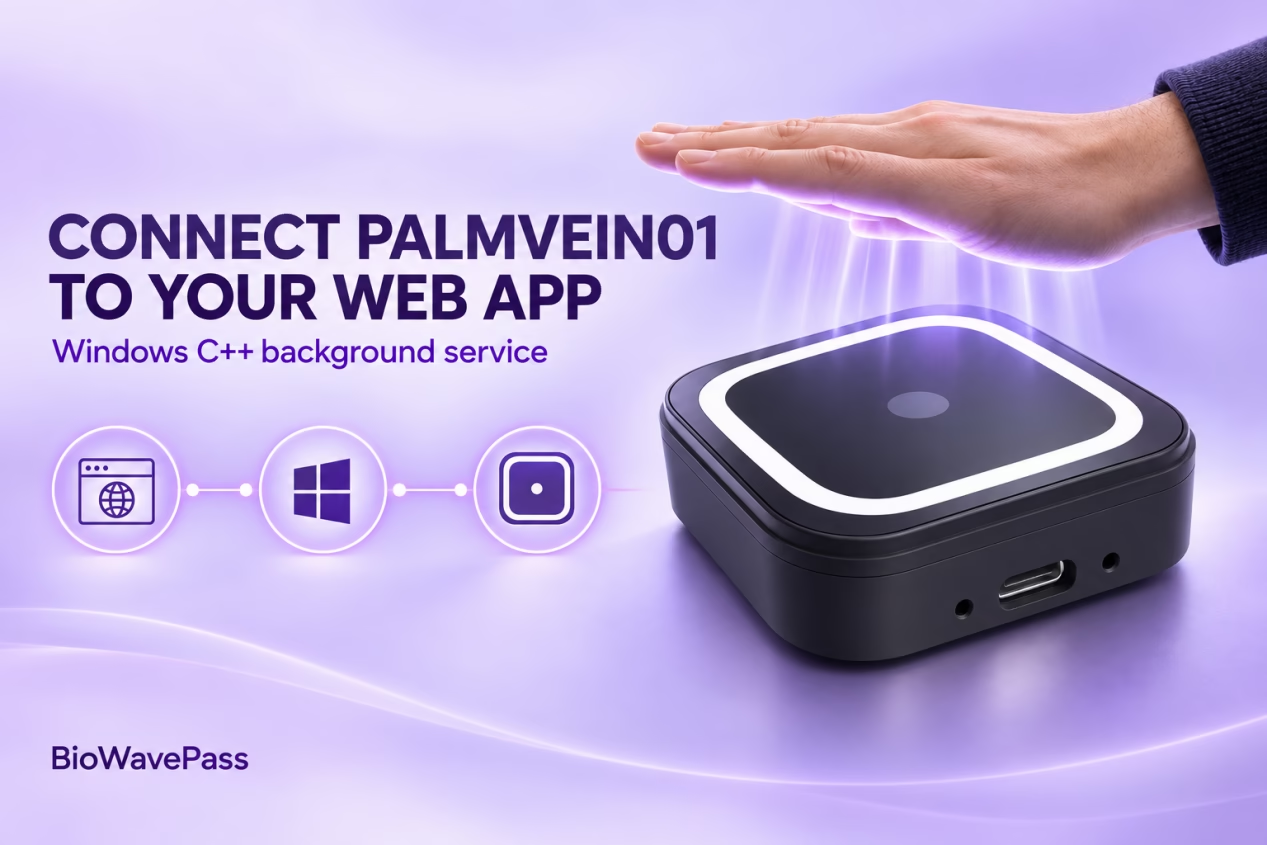
Bringing Palm Vein Scanning into a Web Workflow
Web applications are effective at managing users and business workflows. Connecting one to a USB palm vein scanner requires an additional software layer, because BioWavePass does not currently provide a Web SDK for direct browser integration.
For a Windows deployment, developers can use the C++ SDK to build a local program that the web application calls. Running that program as a background palm-scanning service gives the web application a way to initiate scanning without managing the scanner’s device-level instructions itself.
Treat palm scanning as a service operation
When a workflow requires a palm scan, the web application sends an instruction to the Windows service. The service manages the scanning instructions through the C++ SDK, communicates with the PalmVein01, and returns the result to the web application.
Web application
    ↓ Manages instructions sent to the service
Windows C++ background service
    ↓ Manages palm-scanning instructions
BioWavePass PalmVein01
Each part has a defined responsibility:
| Component | Responsibility |
|---|---|
| Web application | Manages the business workflow and controls when to call the service |
| Windows background service | Manages scanning instructions and communication with the PalmVein01 |
| PalmVein01 | Captures palm data for the SDK workflow |
In short, the web application manages service-level instructions; the service manages palm-scanning instructions. The browser does not call the scanner SDK directly.
Design for the complete workflow
The interface between the web application and the service should define what instruction starts a scan, what information the service returns, and how it reports an operation that cannot be completed. The exact commands and response fields depend on the supplied SDK and the application’s requirements.
The web application then decides what to do with the returned result. Depending on the use case, it may continue a check-in, access, identity verification, or another business process. The Windows service remains responsible for the scanning process, while business decisions stay in the web application.
Validate the integration end to end
A useful pilot should test the complete path: initiate a scan from the web application, pass the instruction to the Windows service, perform the palm scan with the [BioWavePass PalmVein01], and return the result to the web workflow.
This service-based approach provides a practical foundation for Palm Vein Scanner Web Development when an existing system runs in the browser and the scanner is connected to a Windows computer.
Comparte este artículo
Sobre el autor

También le puede interesar
Can a Palm Vein SDK Capture Data Without an Algorithm Server?
Palm Vein Image Encryption: Why AES-256-GCM Alone Does Not Guarantee Compatibility
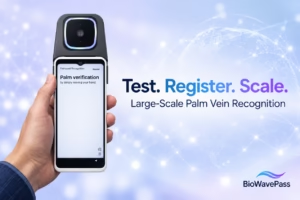
Large-Scale Palm Vein Recognition: How to Test the SDK and Plan for Growth

Palm Vein Payment SDK: Direct Algorithm Server Integration or Your Own Backend?
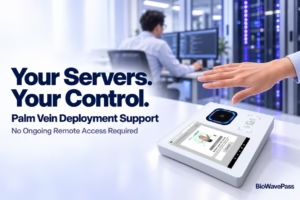
Palm Vein Deployment Support: Who Can Access Your Servers?
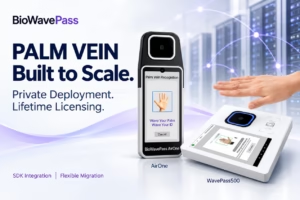
Scaling Palm Vein Payment: Single Server or Kubernetes Cluster?
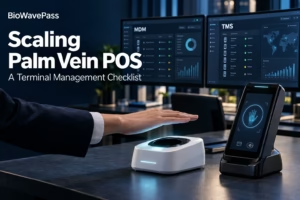
Before You Scale Palm Vein POS: A Terminal Management Checklist
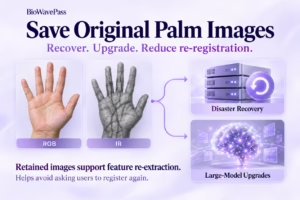
Why Saving Original Palm Images Matters for Biometric Recovery and Future Upgrades By BioWavePass
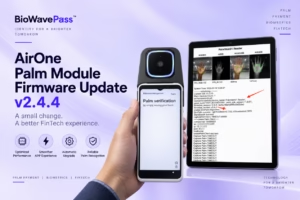
Optimizing Palm Payment Performance: AirOne Palm Module Firmware v2.4.4