Introducción
Fintech and digital identity systems are entering a new phase where authentication must be internal, encrypted, fast, and scalable. Palm scanning technology meets these needs by using subdermal vascular patterns combined with hand-geometry validation, building a biometric layer that cannot be seen, copied, or easily spoofed.
Unlike external biometrics such as fingerprints or facial recognition, palm vein patterns exist inside the hand, protected beneath the skin, making them extremely private and incredibly resistant to fraud. When paired with secure hardware communication and cloud-managed identity APIs, palm scanning becomes a new root-ID standard for digital wallets and e-KYC enrollment.
This blog explains how palm scanning works, why dual-light capture matters, how templates are protected, and how BioWavePass supports these flows using a multi-model biometric product family.
What Exactly Is Palm Scanning Technology?
Palm scanning is a biometric imaging method that reads internal vein structures and the physical geometry of the user’s hand. The process takes place through optical sensors that emit two distinct forms of illumination:
- RGB light: maps and calibrates hand structure, surface shape, coordinate consistency, and palm placement
- Infrared (IR) light: penetrates below the skin to capture vascular patterns that are invisible to external observation
The captured palm image is immediately processed locally, and converted into a biometric template representing unique vascular landmarks and 3D hand geometry. This template is encrypted at the device level before transmission to any server or cloud API.
Key Features of Palm Scanning
- Internal pattern capture: Uses subdermal vein structure, independent of external traits
- Hand geometry validation: Confirms the real physical hand interacting with the sensor
- High privacy assurance: Cannot be copied using cameras, photos, or videos
- Encrypted identity template pipeline: Templates are encrypted prior to data submission
- Scalability optimized: Works reliably with large user populations
- Sub-second verification cycle: Suitable for high-throughput identity loops
Why RGB + IR Dual Mode Is Technically Significant
The accuracy of palm vein authentication depends heavily on image acquisition quality. Consumer-grade biometric sensors that rely on a single light source or shallow surface scanning often perform inconsistently across lighting, palm placements, or large ID databases.
BioWavePass’s design uses RGB plus IR dual-optics to solve this reliability problem:
-
Hand placement stabilization through RGB calibration
RGB ensures that the hand is aligned in a predictable coordinate zone, enabling algorithms to identify hand-shape and geometry consistently. -
Subdermal vein map acquisition using IR penetration
IR captures internal vascular data, which is foundational for fraud-resistant Identity APIs. -
Multi-light fusion increases precision at massive scale
By fusing both channels, biometric matching outcomes stay stable as databases grow into hundreds of millions or billions. -
Dual optics enable very low FAR/FRR thresholds
With internal vascular matching supported up to extremely rare error margins, these devices are aligned for financial-grade anti-fraud testing cycles.
This dual-mode optical design is crucial when palm scanners are used in wallet authorization, merchant POS, and e-KYC, where spoof resistance and long-term stability are mandatory.
The Local Capture and Cloud Matching Cycle
BioWavePass Palm Vein Scanner Products follow a consistent method preferred by fintech architecture teams.
- The palm is scanned locally using USB-based or handheld imaging.
- The image is converted into a biometric template locally.
- The template is encrypted on device to protect identity integrity.
- The identity session is submitted via WiFi or 4G to the cloud.
- Cloud-driven Identity API matches and confirms user permissions.
- Payment API authorizes or initializes the wallet transaction.
- POS, billing counter, or kiosk completes the payment or onboarding event.
This flow avoids hardware redesigns on merchant devices because biometric integration happens at the Identity API layer, not merchant POS boards, keeping deployment fast and disruption low.
The Three Key BioWavePass Palm Scanner Devices
BioWavePass offers a terminal family designed for different types of deployment.
1. BioWavePass AirOne
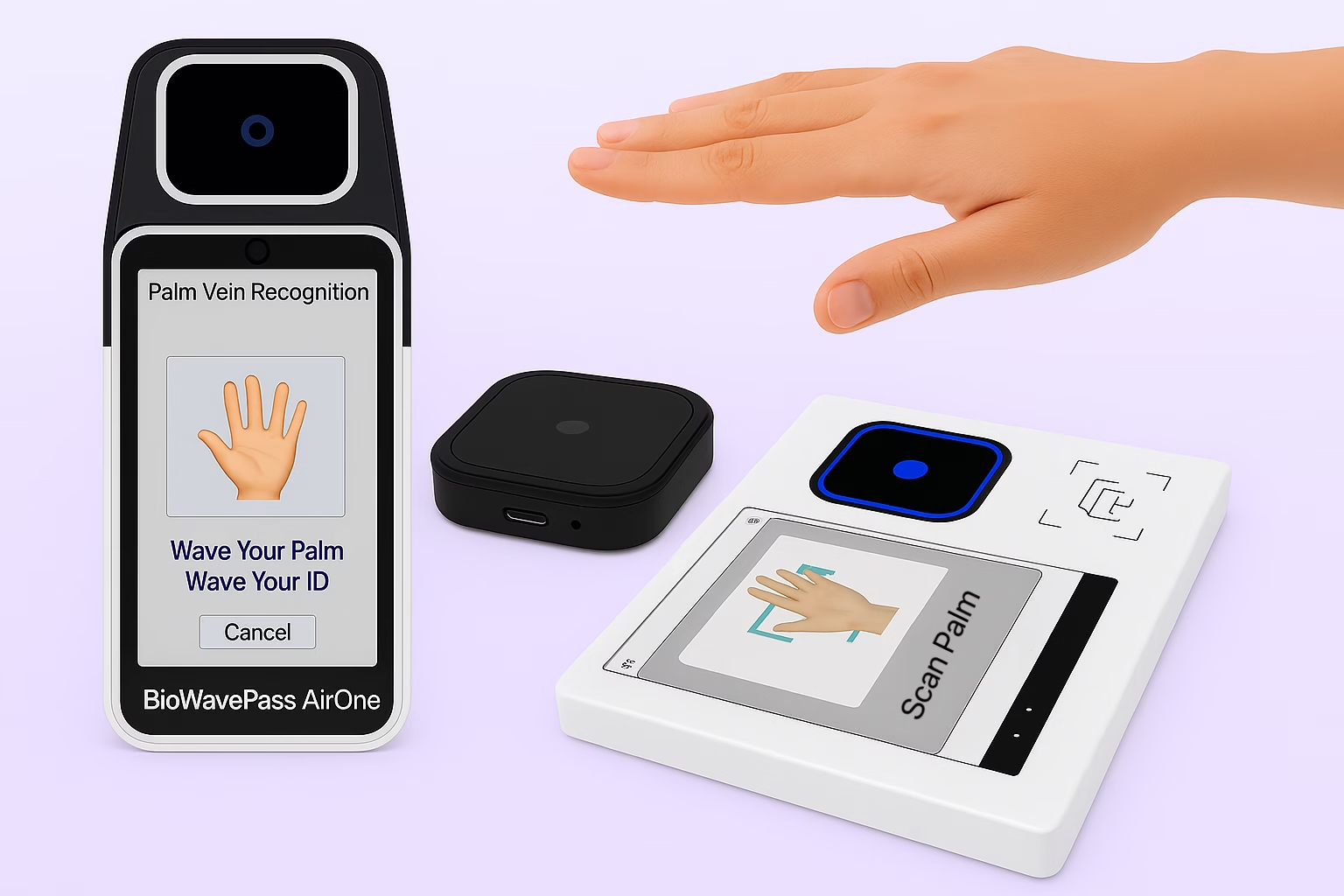
A battery-powered, handheld palm vein POS terminal ideal for roaming agents, mobile onboarding, and identity-first payment transactions. It integrates the palm vein optical module and EMV PCI security-ready POS structure at the factory level, not the merchant level. :contentReference[oaicite:1]{index=1} ✅🖐️🔋
2. BioWavePass500 (Android Fixed Terminal)
A compact palm vein authentication terminal running Android 11, designed for fixed POS counters, kiosks, or identity sandboxes. :contentReference[oaicite:2]{index=2} ✅📶🖥️
3. PalmVein01 USB Reader
A USB RGB plus IR palm vein biometric module supporting Windows, Linux, or Android OS integration, widely used by partners embedding palm vein identity into their systems. :contentReference[oaicite:3]{index=3} ✅💻📦🖐️✨
All three devices share the same internal palm-ID technology engine and SDK-ready design, created for fintech integration, not consumer self-assembly. They are complementary, not competitive, and serve different endpoints while preserving the same subdermal biometric DNA.
Why This Technology Matters for Fintech and e-KYC
1. Stops identity spoofing at the root credential layer
Palm veins are internal biometrics, not external, which blocks observer-based fraud.
2. Secures the identity pipeline using encryption-first template uploads
Templates are encrypted on device before API transmission, protecting identity even in shared networks.
3. Works smoothly inside cloud Identity plus Payment APIs
Authentication logic remains centralized and consistent, avoiding merchant POS firmware modifications.
4. Scales reliably into massive user databases
Designed for hundreds of millions of identities, matching logic remains stable and fast.
5. Enables mobile KYC agents and merchants to deploy instantly
USB-based or battery-based palm scanning holds stable power and imaging channels.
6. High-throughput matching enhances user experience
Recognition and wallet authorization typically completes in under one second.
Deployment Advantages That Fintech Clients Value
- No OTG or RS232 adapters needed
- No Bluetooth pairing dependencies
- No firmware changes on merchant boards
- Cloud APIs manage identity and payment authorization
- Palm templates encrypted before upload
- Runs smoothly with fintech wallet logic and permission APIs
- Multiple hardware shapes for roaming or fixed terminal deployment
- Enrollment count remains unlimited
Conclusión
Palm scanning technology is the new hardware-based root ID layer for secure digital wallets and e-KYC enrollment at massive scale. By capturing internal vascular data through RGB plus IR optics, converting to encrypted templates locally, and submitting to Identity plus Payment APIs through WiFi or 4G, fintech teams gain a future-ready identity barrier that cannot be copied and scales reliably.
Your palm is becoming your wallet, and you ID.
Learn more from: https://biowavepass.com/
Comparte este artículo
Sobre el autor

También le puede interesar
Can a Palm Vein SDK Capture Data Without an Algorithm Server?
Palm Vein Image Encryption: Why AES-256-GCM Alone Does Not Guarantee Compatibility
Large-Scale Palm Vein Recognition: How to Test the SDK and Plan for Growth

Palm Vein Payment SDK: Direct Algorithm Server Integration or Your Own Backend?
Palm Vein Deployment Support: Who Can Access Your Servers?
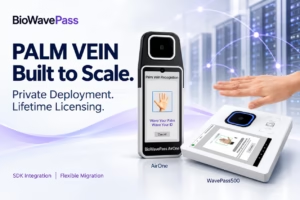
Scaling Palm Vein Payment: Single Server or Kubernetes Cluster?
Before You Scale Palm Vein POS: A Terminal Management Checklist
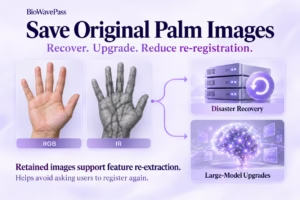
Why Saving Original Palm Images Matters for Biometric Recovery and Future Upgrades By BioWavePass
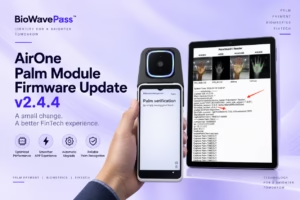
Optimizing Palm Payment Performance: AirOne Palm Module Firmware v2.4.4