Why Saving Original Palm Images Matters for Biometric Recovery and Future Upgrades By BioWavePass
A successful Palm Vein Recognition deployment needs to support more than today’s matching requirements. It should also be prepared for server failures, lost biometric feature data and future algorithm upgrades.
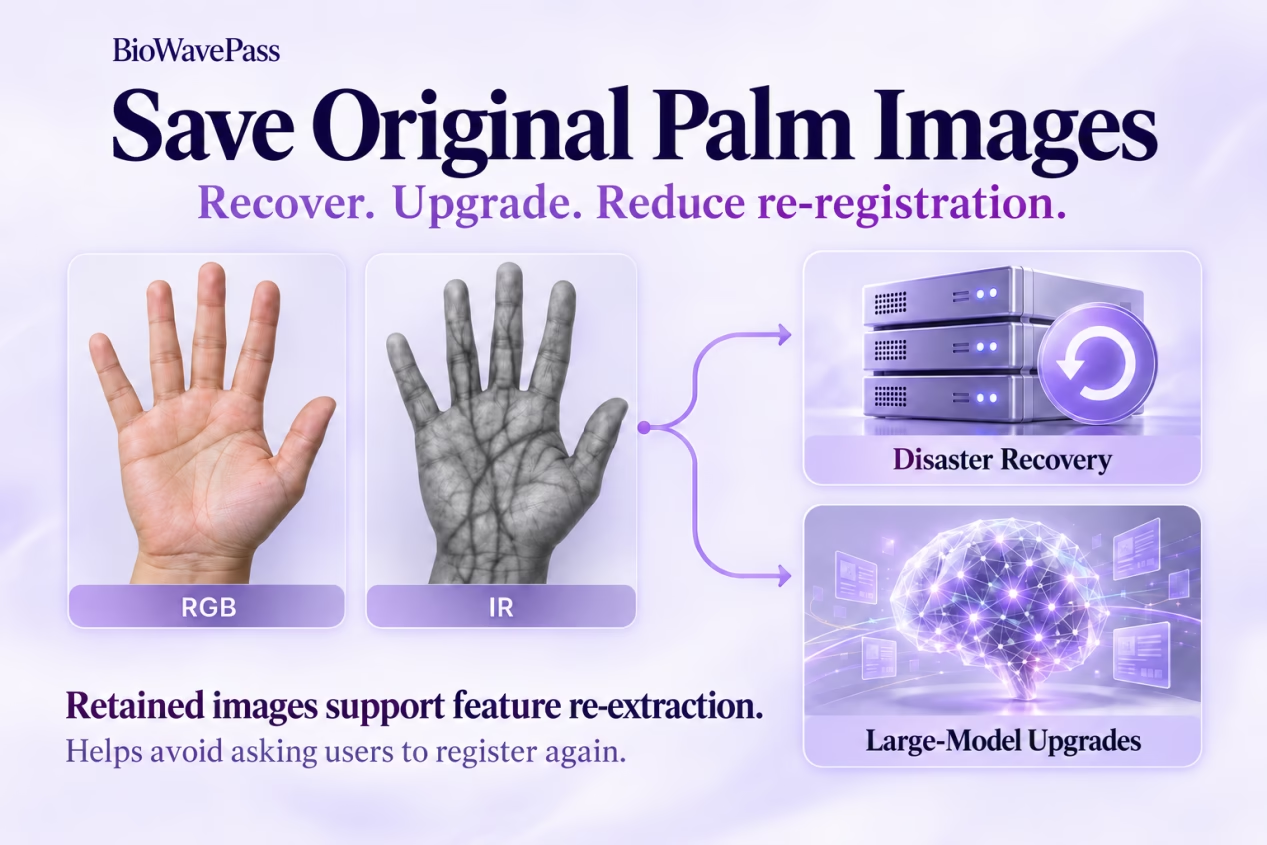
One integration decision can support all three: securely retain the original RGB and infrared palm images during registration.
These images provide the source data needed to extract biometric features again. For businesses building Technologie de paiement par la veine de la main, access control or identity verification platforms, this can help preserve continuity without asking users to register their palms again.
Saving images early helps avoid re-registration when moving to the large model.
Original Images and Biometric Features Serve Different Purposes
During palm registration, each hand produces two complementary image types:
- RGB palm image: captures surface details used for palm print feature extraction.
- Infrared palm image: captures information used for palm vein feature extraction.
The recognition algorithm processes these images into feature vectors, which are used for biometric matching.
Original images and feature vectors are therefore not interchangeable. Feature vectors support matching within the relevant algorithm workflow. Retained images provide a starting point for extracting features again when the system needs to recover or upgrade.
For each registered hand, keep both image types associated with the correct user ID and hand identifier.
Prepare for Large-Model Upgrades
In the small-model workflow, matching uses palm print and palm vein features extracted on the device. Original images are not required for that matching process.
The large-model workflow also uses features extracted from the images on the algorithm server.
| Data or capability | Small-model workflow | Large-model workflow |
|---|---|---|
| Device-extracted palm print features | Used | Used |
| Device-extracted palm vein features | Used | Used |
| Server-side feature extraction from images | Not required for current matching | Used |
| Original RGB and IR images | Recommended for retention | Needed for server-side extraction |
If suitable original images are retained during initial registration, they can support the later extraction process.
Saved RGB + IR images → New feature extraction → Support for the large model
This helps avoid bringing existing users back to a terminal simply to capture their palms again.
For a palm vein payment platform, that can mean less disruption for customers and less registration work for merchants or service teams.
Support Disaster Recovery After Data Loss
A production server failure can affect the availability of biometric feature data. Securely retained palm images provide a way to rebuild those features, provided the images and their user associations remain accessible.
A recovery workflow can include:
- Retrieve the backed-up images. Restore the RGB and IR captures together with their user and hand associations.
- Prepare the replacement server. Deploy the algorithm service and arrange the corresponding license.
- Re-extract biometric features. Process the retained images to rebuild the required feature records.
- Restore user associations. Ensure each reconstructed feature record is linked to the correct identity.
- Validate the matching service. Check the restored system before returning it to operation.
Image retention supports recovery of the biometric feature database. The complete recovery process also depends on your application’s backups, configuration, user records and backend procedures.
Keep the image backups available independently of the production server they are intended to help recover.
Does a Backup Server Require Its Own Algorithm License?
The answer depends on what is deployed on the server.
Image Storage Only
If the backup server only stores original palm images and does not have the algorithm service deployed, no additional algorithm license is required from our side.
Algorithm Service Deployed
If the backup server has the algorithm service deployed and is ready to perform biometric matching, a corresponding license is required.
| Server role | Algorithm license requirement |
|---|---|
| Stores images for recovery without the algorithm service | No additional algorithm license |
| Hosts the algorithm service for biometric matching | Corresponding license required |
A storage backup and a matching-ready server perform different jobs. When a storage-only recovery setup is used to deploy a replacement matching server, the licensing arrangements for that replacement must be addressed.
Build Image Retention Into Registration
Image retention is easier to establish during initial development than to introduce after users have already enrolled.
For your BioWavePass integration, plan to:
- Retain both RGB and IR images for each registered hand.
- Save quality-approved captures that pass the SDK’s
registerPalmquality check. - Preserve reliable user associations, including which hand and image type each file represents.
- Protect access to biometric images through your backend’s secure storage and access controls.
- Include the images in your backup process, alongside the information needed to associate them with users.
- Validate your recovery procedure, including feature re-extraction and restored matching.
Developers can refer to the SDK demo project’s ImageUtils class for an example of converting an image data stream into a Bitmap and saving it locally. This sample can inform the image-saving step within your own registration workflow.
Keep the Matching Service and Platform Responsibilities Clear
The algorithm service provides the palm ID matching function within your platform.
Your backend infrastructure manages the broader application, including user data, image storage, operations and disaster recovery procedures. In a Technologie de paiement par la veine de la main deployment, payment processing also remains part of the surrounding platform.
Planning these responsibilities together helps ensure that retained images can be retrieved and used when recovery or an upgrade is needed.
Save Today for a More Flexible Tomorrow
Original palm images have value beyond the first registration.
For Palm Vein Recognition systems, securely retaining RGB and IR captures supports biometric feature reconstruction and future large-model adoption. It also helps reduce the need to ask existing users to repeat registration.
Retain the originals. Prepare for recovery. Support upgrades with less disruption for users.
Partager cet article
A propos de l'auteur

Vous pourriez aussi aimer
Scaling Palm Vein Payment: Single Server or Kubernetes Cluster?
Before You Scale Palm Vein POS: A Terminal Management Checklist
Optimizing Palm Payment Performance: AirOne Palm Module Firmware v2.4.4
Bringing Palm Vein Scanning into a Web Workflow
From Palm Payment MVP to Commercial Deployment: Building a Scalable Biometric Payment System
How to Integrate a USB Palm Vein Scanner with a POS Terminal
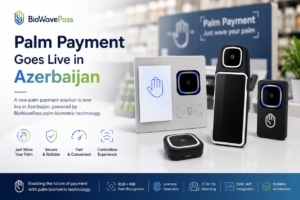
Palm Payment Goes Live in Azerbaijan: From Biometric Technology to Real-World Payment
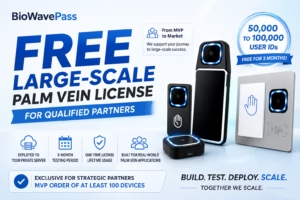
From MVP to Market: Scaling Palm Vein Technology with BioWavePass
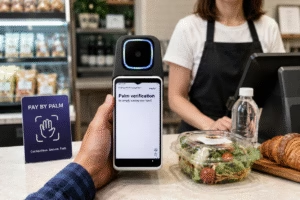
Palm Vein Payment: How Biometric Payments Work Without Cards or Phones