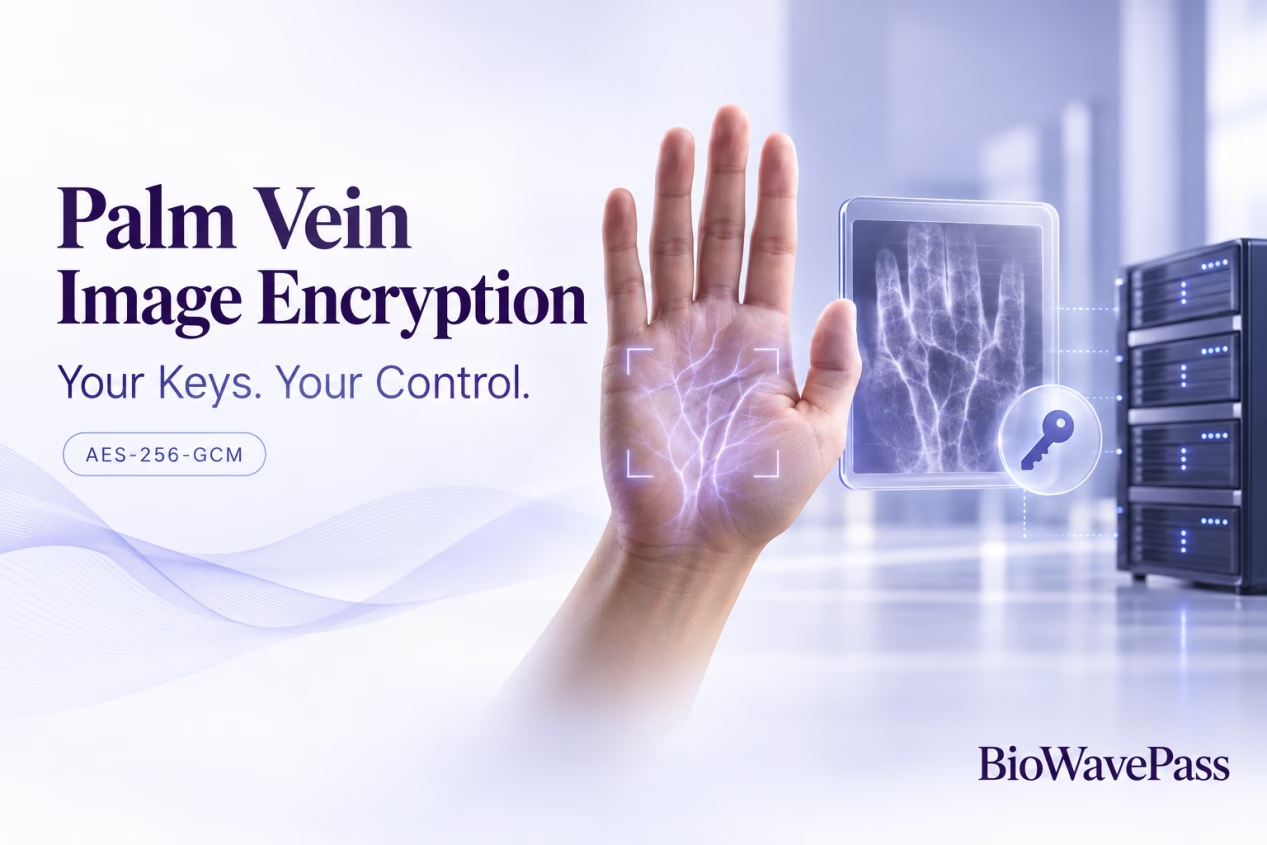
Palm Vein Image Encryption: Why AES-256-GCM Alone Does Not Guarantee Compatibility
Your development team has implemented AES-256-GCM encryption. The algorithm server also uses AES-256-GCM. Yet an encrypted palm image still fails to process.
Why?
Using the same encryption algorithm does not automatically mean that the client and server exchange data in the same format.
For a BioWavePass large-scale palm vein integration, successful image encryption depends on three things working together: the correct key, a compatible encrypted payload and accurate request metadata.
This guide explains what your team needs to understand before testing encrypted palm image uploads.
1. Start with the Image-Encryption Contract
In a palm vein payment or identity application, the client captures biometric data and submits the required inputs to the algorithm service.
When optional image encryption is enabled, the client encrypts the image before uploading it. The algorithm server then decrypts the image using its configured key and expected payload format.
Both sides therefore need a shared understanding of:
- Which image data is encrypted.
- Which key is used.
- How encryption parameters accompany the ciphertext.
- How the request declares that the image is encrypted.
Choosing AES-256-GCM addresses the algorithm requirement. It does not, by itself, define the complete upload format.
2. Your Organisation Generates and Controls the Key
BioWavePass does not supply or retain customer image-encryption keys.
Deployment or security operations personnel generate the key and configure its use within the customer-controlled environment.
The confirmed configuration requirements are:
| Configuration item | Requirement |
|---|---|
| Original key | 32 bytes of random data |
| Server configuration | Standard Base64 encoding of those 32 bytes |
| Environment variable | IMAGE_ENCRYPTION_KEY_B64 |
| Client-side key | The 32-byte value recovered after Base64 decoding |
In a single-server Compose deployment, the server configuration is supplied through config.env and passed to the service using environment variables.
Why does BioWavePass not provide the key?
Customers should retain control over who can decrypt their biometric images.
If a technology supplier generated and retained the key, customers could reasonably question whether that supplier could also decrypt their data.
Customer-managed keys keep this responsibility within the customer’s deployment and security processes. Key distribution, storage and access should be defined by the customer’s security team.
3. Base64 Encoding Is Not the Encryption Step
One integration mistake is confusing the Base64 configuration value with the underlying AES key.
The server variable contains a Base64 representation of the 32-byte key. The client uses the decoded bytes for encryption.
Base64 does not encrypt the key or make it safe to disclose. It provides a text representation suitable for configuration.
Before investigating an image-processing failure, confirm that the client and server are configured with the same underlying key material.
4. Confirm How the Encrypted Payload Is Packaged
Even when the algorithm and key are correct, the server still needs to interpret the uploaded content.
Your integration team should confirm the expected handling of:
- The nonce or IV.
- The authentication tag.
- Any additional authenticated data, or AAD.
- The ciphertext and its surrounding payload format.
- Any related request fields.
These details must agree with the server implementation.
The available technical answers confirm AES-256-GCM and the key configuration requirements. They do not provide a complete byte-level payload specification or a working interoperability test vector.
Do not fill those gaps by assuming a particular library’s output format will match the server.
Confirm the interface requirements before finalising the client implementation.
5. Declare the Uploaded Image Correctly
For encrypted palm image requests, set the following value in the request metadata:
is_image_encrypted: true
This flag tells the server how to interpret the uploaded image.
It does not perform encryption on the client. Your application must encrypt the actual image before sending it.
A request can therefore fail if the metadata and file content disagree, even when the rest of the integration appears correct.
Keep image and feature flags separate
Image encryption and feature encryption use independent controls:
| Flag | Applies to |
|---|---|
is_image_encrypted |
Palm images |
is_encrypted |
Feature data |
The feature-value SDK’s built-in AES-256-CBC encryption does not automatically encrypt the image files. Treat the two data types separately when configuring and troubleshooting requests.
6. Test Locally, Then Test Against the Server
A local encryption-and-decryption test is a useful first check.
Treat the original image as binary data, encrypt it and decrypt the result. The recovered bytes should match the original image exactly.
However, a successful local round trip only demonstrates that your own encryption and decryption implementations agree.
It does not prove that the algorithm server can interpret your uploaded payload.
Follow it with an integration test against the configured server.
A practical validation sequence
- Confirm the standard workflow. Complete registration and identification using the supplied SDK and Demo.
- Confirm key configuration. Check that the client and server use the same decoded 32-byte image key.
- Confirm payload requirements. Resolve the expected packaging of encryption parameters and ciphertext.
- Check request metadata. Ensure that the image-encryption flag matches the uploaded content.
- Test server processing. Verify that the configured service accepts the encrypted image and completes the expected operation.
- Check the returned response. Confirm that the SDK receives a compatible response, particularly when requests pass through your backend.
This sequence helps separate encryption problems from request-format or application-flow problems.
7. An Upload Error Is Not Always an Encryption Error
If your backend sits between the terminal SDK and the algorithm service, it must preserve the required request information and return responses in the format expected by the SDK.
The complete path is:
Terminal SDK → Your backend → Algorithm Server → Your backend → Terminal SDK
An operation may succeed on the server while the application still reports a failure because the response is missing or incompatible.
When troubleshooting, identify where the operation stopped before changing encryption settings.
Frequently Asked Questions
Is palm image encryption compulsory?
The documented AES-256-GCM image-encryption operation is optional. Its use should follow your project’s agreed security requirements and deployment configuration.
Can we use any AES-256-GCM library?
Your implementation must produce data compatible with the server’s expected format. Selecting the same algorithm is necessary, but compatibility must be verified through integration testing.
Does BioWavePass hold our image-encryption key?
No. Customers generate, configure and manage their own keys. BioWavePass does not provide or retain them.
Does a successful local decryption test prove server compatibility?
No. It confirms that your local implementation can recover the original data. A separate server test is needed to verify interoperability.
Does this encryption guidance connect the Small and Large Models?
No. The Small Model and Large Model are independent, decoupled systems. Apply the documentation for the selected SDK and interfaces, and do not combine both SDKs in the same application build.
Prepare Your Palm Vein Integration with BioWavePass
For palm vein payment and biometric identity projects, encrypted image compatibility should be validated before production deployment.
Begin with the Large Scale SDK and Demo, confirm the image-encryption contract and keep key management under your organisation’s control.
BioWavePass provides a public-cloud testing environment and Demo before customers purchase the large-model algorithm. Contact our team to discuss compatible sample hardware, evaluation access and your integration requirements.
Share this article
About the Author

You might also like
Can a Palm Vein SDK Capture Data Without an Algorithm Server?
Large-Scale Palm Vein Recognition: How to Test the SDK and Plan for Growth

Palm Vein Payment SDK: Direct Algorithm Server Integration or Your Own Backend?
Palm Vein Deployment Support: Who Can Access Your Servers?
Scaling Palm Vein Payment: Single Server or Kubernetes Cluster?
Before You Scale Palm Vein POS: A Terminal Management Checklist
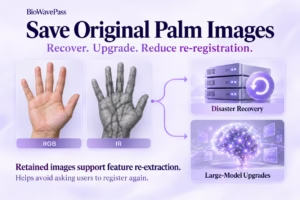
Why Saving Original Palm Images Matters for Biometric Recovery and Future Upgrades By BioWavePass
Optimizing Palm Payment Performance: AirOne Palm Module Firmware v2.4.4
Bringing Palm Vein Scanning into a Web Workflow