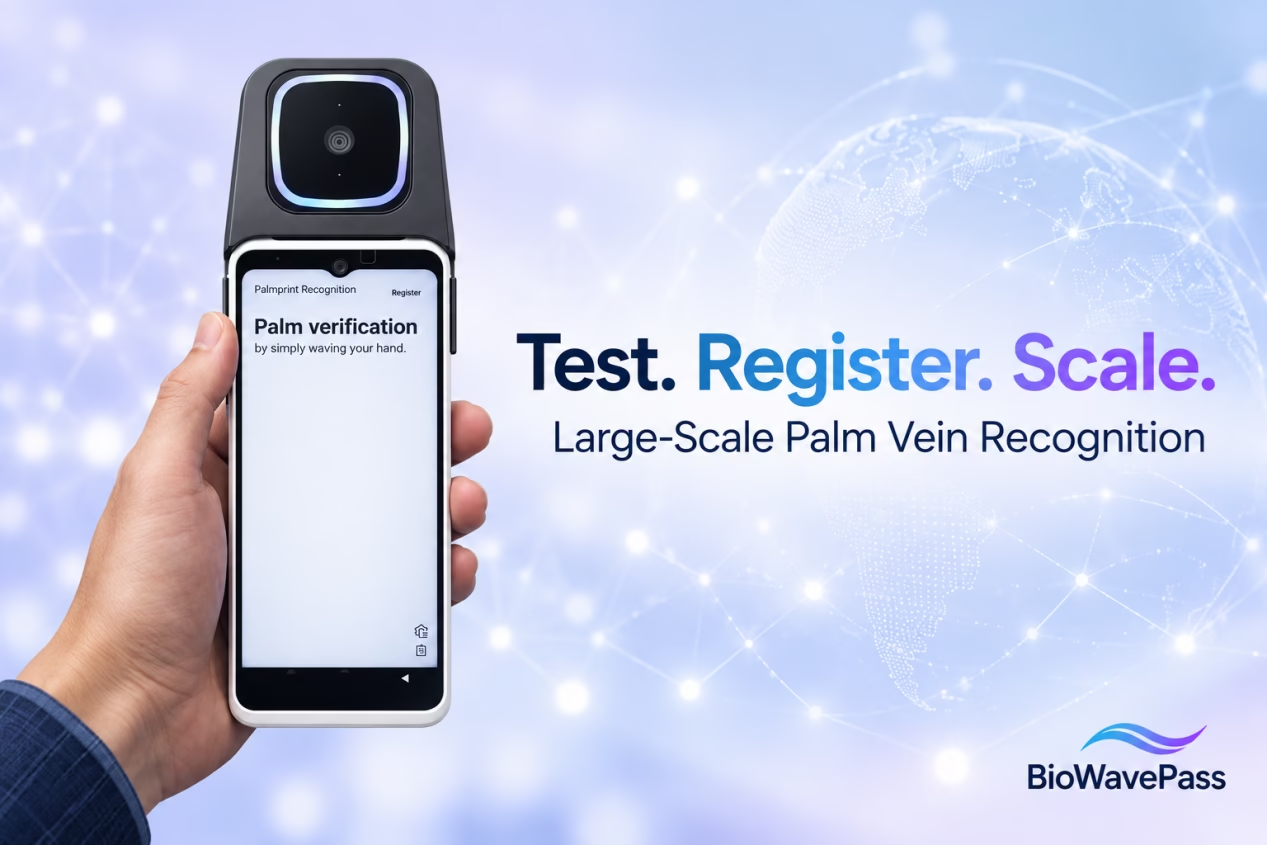
Large-Scale Palm Vein Recognition: How to Test the SDK and Plan for Growth
Before investing in a large-scale palm vein recognition system, product and development teams need to answer a practical question:
How can we test the technology before purchasing an algorithm licence?
BioWavePass provides a public-cloud test environment, a large-scale SDK and a Demo so customers can evaluate the registration and identification workflow before purchasing the large-model algorithm package.
Once the team understands the workflow, the next steps are to assess how it fits the customer’s application, determine the expected user population and plan the server resources needed for deployment.
Start by Testing the Large-Scale System
A palm vein payment or identity project involves more than installing an SDK. The development team needs to understand how the terminal, user ID, backend and Algorithm Server work together.
Before purchasing the large-model algorithm package, customers can use the BioWavePass public-cloud test environment to:
- Run the large-scale Demo.
- Register users with platform-defined user IDs.
- Test palm vein identification.
- Review successful, unsuccessful and error responses.
- Understand the documented deletion workflow.
The purpose is to help your team become familiar with the large-scale system’s own architecture and interfaces before planning its production deployment.
What Should Your Team Test First?
Start with a small number of users and complete the standard workflow.
1. Configure the Test Environment
The current large-scale SDK requires a valid server URL for registration and identification.
For initial evaluation, use the public-cloud test environment and configuration information provided with the Demo.
2. Define a User ID
Your platform generates and supplies the unique user_id during registration. The SDK and Algorithm Server do not create this business identifier for you.
Use a stable identifier, such as a customer or employee ID, that follows the documented format requirements.
3. Register Palm Data
Call the documented registration method using the platform-defined user ID. The large-scale registration flow associates the registered left and right palm data with that user.
After successful registration, the SDK returns the registration biometric data.
4. Identify the Registered User
Test identification and confirm how your application receives the result. In the large-scale system, the identification result uses the platform’s user_id.
Your backend can use that ID to locate the corresponding customer, employee or member account.
5. Test Deletion and Error Handling
Follow the documented user-level deletion interface and confirm how your application handles:
- Successful deletion.
- A no-match result.
- An unsuccessful registration.
- A server or network error.
Running these steps first helps your development team understand the standard SDK behaviour before adding custom middleware or payment logic.
The Small and Large Models Are Independent Systems
BioWavePass’s small-model and large-model solutions are entirely separate and decoupled. They do not share one database and should not be treated as versions of a merged system.
Each system has its own registration, identification, deletion and data-storage workflow.
Their identifiers also serve different purposes:
| System | Identifier | Purpose |
|---|---|---|
| Small model | featureId |
Identifies a palm |
| Large model | user_id |
Identifies a user |
When testing the large-scale SDK, follow its own documentation and workflow. The small-model and large-model SDKs should not be used together in the same application build.
How Can Existing Users Be Registered in the Large Model?
If a customer already has users registered in the independent small-model system and wants to use the large-scale system, those users need to be registered in the large-model environment.
The confirmed approach is:
- Prepare the stored palm images and corresponding user IDs.
- Develop a script that calls the large-scale registration API.
- Register users one at a time through the API.
- Validate the resulting registrations and account bindings.
This process does not merge the two systems or directly convert a small-model featureId into a large-model user_id.
The required palm images must be available for large-model registration. If they were not retained, users may need to re-enrol. The customer’s team should also handle the images according to its approved biometric data policies.
A separate bulk-migration endpoint has not been confirmed. For the current approach, customers can develop their own script using the large-scale registration API.
What Changes When the Large Model Grows from 100K to 1M Users?
Once the large-model system is in use, increasing its capacity from 100,000 to one million registered users is a capacity change within the large-model system.
According to the current default SDK guidance, the device-side SDK does not need to change solely because the registered user population increases.
The server environment and licence still need to be reviewed:
| Area | What to Assess |
|---|---|
| Registered-user licence | Update the licence to support the higher user capacity |
| Server hardware | Confirm CPU, memory, GPU and storage against the expected workload |
| Search and matching capacity | Review database and biometric search requirements |
| QPS configuration | Confirm the required request rate and corresponding configuration |
| Application workflow | Validate the existing integration under the larger workload |
Registered-user capacity and QPS are different measurements. A system may have a large registered population while receiving a relatively low number of requests per second, or a smaller population with a high peak request rate.
Server sizing should therefore consider both the number of registered users and the expected workload. Final performance should be verified in the actual deployment environment.
Single Server or Kubernetes Cluster?
The right deployment architecture depends on your user population, workload and scalability requirements.
For an initial large-model project expecting around 50,000–100,000 registered users, a single-server deployment is generally recommended.
For projects expecting more than one million users, a Kubernetes cluster is the recommended direction. A cluster may also be considered earlier when scalability or availability is a priority.
These are planning guidelines. Hardware capacity, QPS and recovery requirements should be assessed for each project before procurement.
What Happens After the Temporary Licence Period?
For customers using an eligible temporary large-model licence, the formal purchase process is handled through an updated authorisation.
After the customer completes the official purchase, BioWavePass deploys a lifetime-valid large-model licence. The purchased licence capacity and any applicable QPS configuration should be confirmed as part of the commercial and technical review.
The temporary trial and the purchased licence belong to the large-model system. They should be evaluated independently of the small-model licence.
Do Customers Need to Adjust Matching Thresholds?
The large-scale API documentation includes an endpoint for setting threshold scores. Customers do not normally need to adjust these values.
Your team should first test the standard Demo and documented workflow. If there is a specific performance or matching concern, share the test scenario and relevant information with the algorithm team for review rather than changing thresholds without an agreed assessment.
Frequently Asked Questions
Can we test the large-scale palm vein SDK before purchasing?
Yes. BioWavePass provides a public-cloud test environment, SDK and Demo before purchase of the large-model algorithm package.
Is the large model connected to the small-model database?
No. The small-model and large-model systems are independent and decoupled.
Can small-model users be automatically merged into the large model?
The confirmed process is to register users in the large-model system using their saved palm images and corresponding user IDs. A script can call the large-scale registration API one user at a time.
Do we need a new SDK when the large-model user base grows from 100K to 1M?
Under the current default SDK guidance, the device-side SDK does not need to change solely because the user count increases. Server resources, licence capacity and QPS configuration must still be assessed.
Can one user ID represent both palms?
Yes. In the large-scale registration flow, the registered left and right palm data are associated with the same user_id supplied by the customer’s platform.
Does a successful palm match complete a payment?
No. The biometric service returns an identification result. Your application and payment platform remain responsible for account checks, authorisation and transaction processing.
Build Your Large-Scale Palm Vein Project Step by Step
A successful rollout starts with a working test, followed by a clear implementation plan.
Use the public-cloud Demo to understand registration and identification. Then review your user ID strategy, expected user population, QPS requirements, server resources and production integration.
Partilhar este artigo
Sobre o autor

Também pode gostar

Can a Palm Vein SDK Capture Data Without an Algorithm Server?
Palm Vein Image Encryption: Why AES-256-GCM Alone Does Not Guarantee Compatibility

Palm Vein Payment SDK: Direct Algorithm Server Integration or Your Own Backend?
Palm Vein Deployment Support: Who Can Access Your Servers?
Scaling Palm Vein Payment: Single Server or Kubernetes Cluster?

Before You Scale Palm Vein POS: A Terminal Management Checklist
Why Saving Original Palm Images Matters for Biometric Recovery and Future Upgrades By BioWavePass
Optimizing Palm Payment Performance: AirOne Palm Module Firmware v2.4.4
Bringing Palm Vein Scanning into a Web Workflow