Palm Vein Payment SDK: Direct Algorithm Server Integration or Your Own Backend?
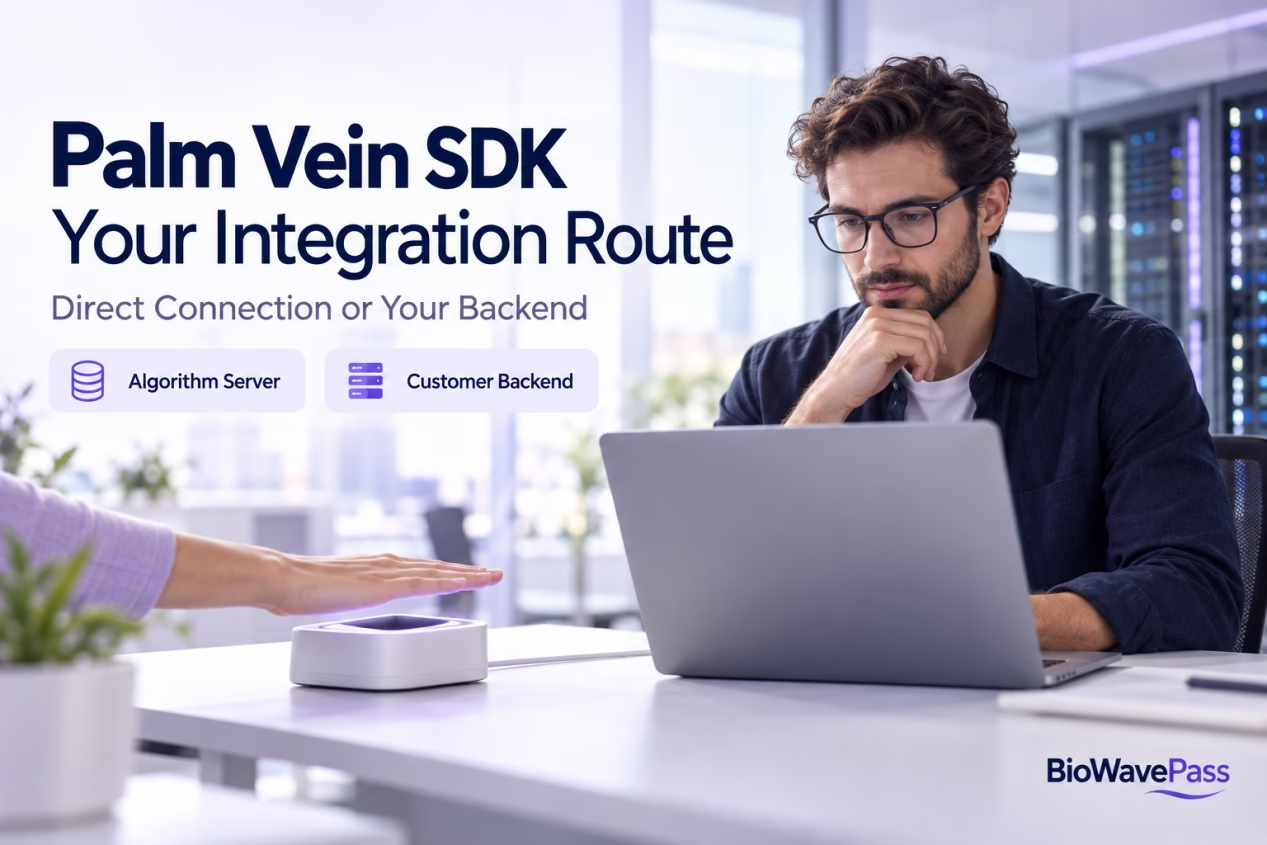
BioWavePass’s large-scale palm vein SDK supports two integration routes: connecting directly to the Algorithm Server, or connecting through your own backend. Both require a valid server URL and the response format expected by the SDK.
This choice determines where requests are routed and how your development team connects biometric registration and identification to its business platform.
For companies building palm vein payment, customer authentication or employee identification, the first step is to understand the supported workflow before adding custom application logic.
The Integration Question: Can We Keep Our Own Backend?
A common requirement is:
“We want the palm vein terminal to communicate with our platform, while our backend handles the algorithm requests.”
This is a supported approach. Your backend can sit between the SDK and the Algorithm Server.
However, configuring your backend URL does not remove the server-based registration process. Your backend must implement the required endpoints and return responses in the format the SDK expects.
Route 1: Connect the SDK Directly to the Algorithm Server
In the direct integration approach, configure the Algorithm Server URL in the SDK.
The communication flow is:
SDK → Algorithm Server → SDK
The Algorithm Server receives the registration or identification request and returns its response directly to the SDK. Your application can then pass the relevant identifiers and results to your business backend.
This route can help your team become familiar with the standard large-scale palm vein recognition workflow before introducing a middleware layer.
Your platform remains responsible for its customer information, account bindings and business decisions.
Route 2: Connect the SDK Through Your Backend
In the backend-mediated approach, configure your own backend URL in the SDK.
The communication flow is:
SDK → Your Backend → Algorithm Server → Your Backend → SDK
Your backend receives the SDK request, calls the corresponding Algorithm Server API and returns the response to the SDK.
This approach allows your team to place biometric requests within its own platform architecture. It also gives your developers responsibility for maintaining compatibility between the SDK-facing interfaces and the Algorithm Server.
| Integration Area | Direct Connection | Through Your Backend |
|---|---|---|
| URL configured in the SDK | Algorithm Server URL | Your backend URL |
| Algorithm API calls | Sent directly by the SDK | Forwarded by your backend |
| Response returned to SDK | From the Algorithm Server | Through your backend |
| Middleware development | No intermediary forwarding layer required | Your team implements the forwarding layer |
| Business account management | Your platform | Your platform |
| Payment decisions | Your payment application and backend | Your payment application and backend |
Neither route makes the biometric algorithm responsible for processing payments.
What Endpoints Must Your Backend Provide?
For integration through your backend, provide separate endpoints corresponding to:
- Registration: add the user’s palm data.
- Identification or query: request biometric matching.
- Deletion: remove the relevant registration.
Use the supplied API documentation for the required request inputs and exact formats.
Your own internal services may use custom structures, but the interface presented to the SDK must remain compatible with its expected request and response contract.
Does the Backend Need to Return a Response After Registration?
Yes. Forwarding the registration request to the Algorithm Server is only part of the process.
After receiving the Algorithm Server’s response, your backend must return the corresponding response to the SDK in the expected format.
A backend that creates the registration successfully but returns an empty body or an incompatible response can prevent the SDK from completing its normal flow.
When testing your middleware, verify both directions:
- The SDK request reaches the correct Algorithm Server API.
- The Algorithm Server response is returned correctly to the SDK.
Can the SDK Only Capture Palm Data Without a Server?
The current large-scale SDK does not provide a separate capture-only method that scans a palm and returns its data independently of the server registration flow.
A valid server URL is required for registration and identification. That URL can point to the Algorithm Server or to a compatible customer backend.
The registration method:
registerUserWithPalmData(userId = "customer-123")
does more than create a user identifier. It registers the left and right palm data with the Algorithm Server and associates that data with the supplied user ID.
After successful registration, the SDK returns the registration biometric data. This does not mean the same data can be obtained through a separate standalone capture method.
If your product specifically requires capture-only behaviour, that requirement needs a separate technical assessment.
Who Defines the User ID?
Your platform defines and supplies the unique user ID during registration.
The SDK and Algorithm Server do not generate this business identifier. Use a stable customer, employee or membership ID that meets the documented format requirements.
Within the large-model system, registered left and right palm data are associated with the same user ID. Your backend can use that identifier to connect the biometric result to the correct business account.
Keep the Small and Large Systems Separate
BioWavePass’s small-model and large-model systems are entirely independent and decoupled. They should not be treated as merged systems or versions of one shared workflow.
The small model uses featureId to identify a palm. The large model uses user_id to identify a user.
When implementing the large-scale palm vein SDK, follow its own configuration, registration, identification and deletion interfaces. Do not assume that the small-model request structure or identifiers apply.
The small-model and large-model SDKs should not be used together in the same application build.
Where Does Palm Vein Payment Logic Belong?
A biometric match provides an identity result. Your application and backend decide how to use it.
In a palm vein payment integration, your platform may need to:
- Locate the customer account associated with the returned user ID.
- Check the account and transaction context.
- Apply the required authorisation rules.
- Communicate with the payment gateway or wallet platform.
- Display the payment result.
These functions belong to your business application and payment integration.
Your team can customise middleware API formats, callbacks, authentication and business workflows. Changes to the core SDK or Algorithm Server interfaces require a separate development assessment.
Test the Standard Demo Before Building Middleware
Before customers purchase the large-model algorithm package, BioWavePass provides public-cloud testing access, the large-scale SDK and a test Demo.
We recommend first confirming that your team can run the standard workflow successfully:
- Configure the supplied test environment.
- Register a user with a platform-defined user ID.
- Identify the registered user.
- Review successful and unsuccessful responses.
- Delete the registration through the documented interface.
Once the standard Demo works, introduce your backend forwarding layer and repeat those tests.
This sequence helps your developers distinguish middleware issues from questions about the underlying SDK workflow.
Frequently Asked Questions
Can the palm vein SDK connect to our own backend?
Yes. Configure your backend URL and implement the required registration, query and deletion endpoints with responses compatible with the SDK.
Does using our backend remove the Algorithm Server requirement?
No. Your backend forwards the relevant requests to the Algorithm Server and returns its responses to the SDK.
Can we capture palm data without completing server registration?
Not through a separate capture-only method in the current large-scale SDK. That behaviour would need a separate technical assessment.
Can our backend return a custom registration response?
The response returned to the SDK must match its expected format. Custom internal structures should be handled behind that compatible interface.
Does the SDK approve a payment after recognising a user?
No. Your application and payment backend remain responsible for account checks, transaction authorisation and payment processing.
Define Your Integration Route With BioWavePass
Before development begins, decide whether your application will connect directly to the Algorithm Server or through your backend.
Then confirm the endpoint requirements, response handling, user ID strategy and business workflow. A successful public-cloud Demo test gives your team a practical foundation for that work.
Partilhar este artigo
Sobre o autor

Também pode gostar
Can a Palm Vein SDK Capture Data Without an Algorithm Server?

Palm Vein Image Encryption: Why AES-256-GCM Alone Does Not Guarantee Compatibility
Large-Scale Palm Vein Recognition: How to Test the SDK and Plan for Growth
Palm Vein Deployment Support: Who Can Access Your Servers?
Scaling Palm Vein Payment: Single Server or Kubernetes Cluster?
Before You Scale Palm Vein POS: A Terminal Management Checklist
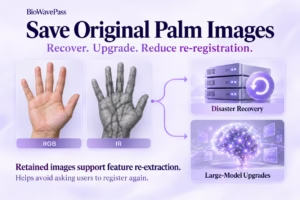
Why Saving Original Palm Images Matters for Biometric Recovery and Future Upgrades By BioWavePass
Optimizing Palm Payment Performance: AirOne Palm Module Firmware v2.4.4
Bringing Palm Vein Scanning into a Web Workflow