How Multi-Device Offline Palm Vein Recognition Works
Understanding Local Matching, Feature Template Synchronisation and Scalable Deployment
When designing an offline palm vein recognition system, one of the first questions organisations ask is:
If we deploy multiple palm vein devices, do users need to register on every device?
The answer depends entirely on the deployment architecture.
Many people assume that an offline biometric system means every device must operate in complete isolation. In reality, this is one of the most common misconceptions about offline biometric deployments.
En BioWavePass Palm Vein SDK supports multiple deployment models, allowing software developers and system integrators to build secure, scalable solutions that meet a wide range of application requirements while maintaining complete control of biometric data.
What Does Offline Palm Vein Recognition Mean?
Offline palm vein recognition simply means that biometric matching is performed locally, without relying on an Internet connection or cloud service.
Each device stores biometric feature templates locally and performs authentication using its own biometric engine. This approach provides several advantages:
- Fast authentication
- High availability
- No Internet dependency
- Enhanced privacy
- Fully on-premises deployment
- Local ownership of biometric data
However, local matching does not mean biometric data cannot be shared between authorised devices.
Understanding this distinction is essential when designing a multi-device deployment.
Local Matching Does Not Prevent Feature Template Synchronisation
A common misunderstanding is that if biometric matching is performed locally, every user must register separately on every device.
This is not necessarily the case.
The location where biometric matching is performed and the way biometric feature templates are managed are two separate design considerations.
En BioWavePass Palm Vein SDK supports the bidirectional transfer of biometric feature templates, regardless of whether the deployment uses a local matching firmware module or a server matching firmware module.
The only aspect that remains fixed is the location where biometric matching is performed:
- Local Matching Firmware performs authentication entirely on the device.
- Server Matching Firmware performs authentication on the server.
While the matching location cannot be changed, biometric feature templates can still be securely transferred and synchronised according to the application’s business requirements.
Deployment Option 1: Independent Registration
For smaller installations, each device can operate independently.
Users simply register on every device they intend to use.
This deployment model is well suited to:
- Single-site installations
- Small offices
- Limited numbers of devices
- Fixed user groups
Because no synchronisation infrastructure is required, implementation is straightforward and system management remains simple.
Deployment Option 2: Centralised Feature Template Synchronisation
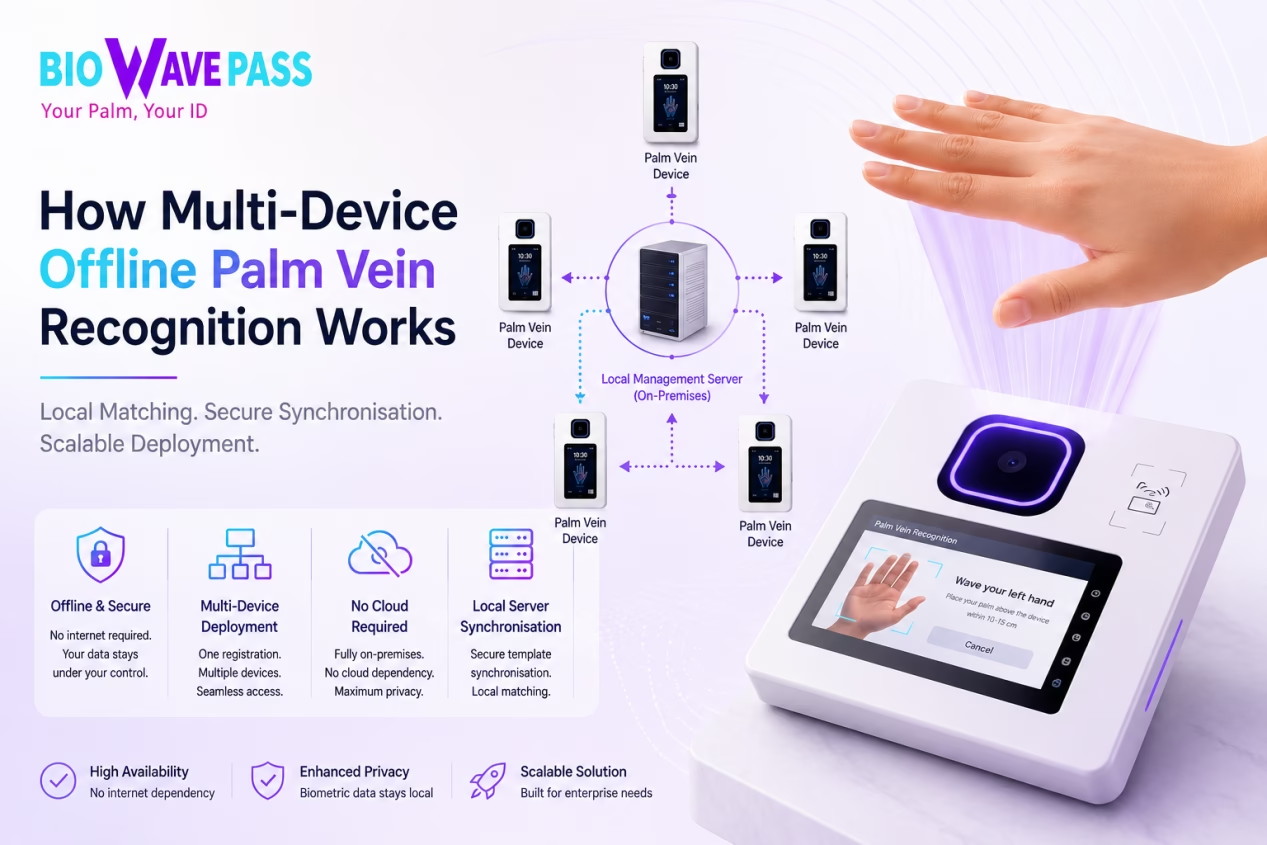
For larger deployments, a centralised feature template synchronisation architecture provides greater flexibility and scalability.
In this model, a local management server is deployed entirely on-premises. The server is not responsible for biometric matching. Instead, it serves as a central repository for managing and distributing biometric feature templates.
A typical workflow is as follows:
- A user registers on any authorised palm vein device.
- The biometric feature template is synchronised to the local management server.
- The management server distributes the feature template to all authorised devices.
- Each device continues to perform biometric matching locally and independently.
Because authentication remains local, the deployment retains all the benefits of an offline biometric solution while providing a much more convenient user experience.
Does Synchronisation Make the System Cloud-Based?
No.
Synchronising biometric feature templates does not change the deployment from offline to cloud-based.
The management server is responsible only for storing, managing and distributing biometric feature templates. It does not perform authentication or participate in the biometric matching process.
This allows organisations to maintain a fully offline architecture while simplifying user management across multiple devices.
What Does the BioWavePass Palm Vein SDK Provide?
En BioWavePass Palm Vein SDK provides the core biometric capabilities required to build professional palm vein recognition applications, including:
- Palm vein image acquisition
- Biometric feature extraction
- Feature template generation
- Registration
- Verification
- Identification
- Feature template import and export
- Biometric matching APIs
These capabilities form the biometric foundation of the application.
Business functions such as:
- User registration workflows
- Feature template synchronisation
- User management
- Database management
- Access control rules
- Time and attendance logic
- Palm vein payment workflows
- HR, ERP and third-party system integration
are implemented by the customer’s application using the SDK and APIs.
This architecture provides software developers and system integrators with complete flexibility to design solutions that meet their own operational and business requirements.
Choosing the Right Deployment Architecture
Every deployment is different.
Before implementation, organisations should evaluate several key questions:
- How many devices will be installed?
- Will users access multiple entrances or locations?
- Is centralised registration preferred?
- Is a fully offline deployment required?
- How will biometric feature templates be managed?
- Which business systems will be integrated?
Answering these questions during the solution design phase helps ensure the most appropriate deployment architecture is selected from the outset.
Why Choose BioWavePass?
En BioWavePass Palm Vein SDK is designed for software developers, system integrators and enterprise solution providers building applications such as:
- Pago de la vena de la palma
- Palm Vein Access Control
- Time and Attendance
- Workforce Management
- Identity Verification
- Visitor Management
- Membership Systems
- Banking and FinTech Applications
Rather than providing a fixed application, BioWavePass delivers a flexible biometric platform that enables customers to build solutions tailored to their own business processes while maintaining complete ownership of biometric data.
Conclusión
Offline palm vein recognition offers far more flexibility than many organisations realise.
Local biometric matching does not prevent biometric feature templates from being securely synchronised between authorised devices. By separating biometric matching from feature template management, organisations can build scalable multi-device deployments while maintaining a fully offline architecture.
Whether your application involves palm vein payment, control de acceso, time and attendance, identity verification or another biometric use case, the BioWavePass Palm Vein SDK provides the biometric engine needed to support secure, flexible and enterprise-ready solutions.
Choosing the right deployment architecture from the beginning helps improve the user experience, simplify system management and ensure your biometric solution can scale as your organisation grows.
Frequently Asked Questions
Do users need to register on every palm vein device?
Not necessarily. Users can either register on each device individually or use a centralised feature template synchronisation architecture, depending on the deployment design.
Can biometric feature templates be synchronised between devices?
Yes. The BioWavePass Palm Vein SDK supports the bidirectional transfer of biometric feature templates. The synchronisation method is determined by the customer’s application and deployment architecture.
Does synchronising feature templates change an offline system into a cloud-based system?
No. Synchronising biometric feature templates does not affect where biometric matching takes place. Authentication remains local when using local matching firmware.
Does the management server perform biometric matching?
No. The management server is used only for storing, managing and distributing biometric feature templates. Authentication continues to be performed locally on each device.
What does the BioWavePass Palm Vein SDK provide?
The SDK provides the core biometric engine, including image acquisition, feature extraction, feature template generation, registration, verification, identification and biometric matching APIs. Business logic and application workflows are implemented by the customer’s software.
Contact us via: www.biowavepass.com
Comparte este artículo
Sobre el autor

También le puede interesar
Scaling Palm Vein Payment: Single Server or Kubernetes Cluster?
Before You Scale Palm Vein POS: A Terminal Management Checklist
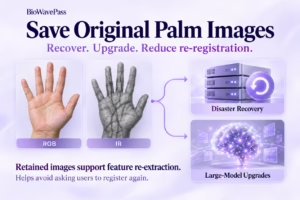
Why Saving Original Palm Images Matters for Biometric Recovery and Future Upgrades By BioWavePass
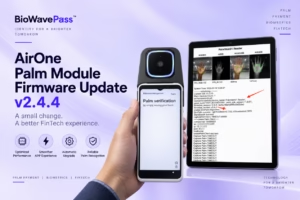
Optimizing Palm Payment Performance: AirOne Palm Module Firmware v2.4.4
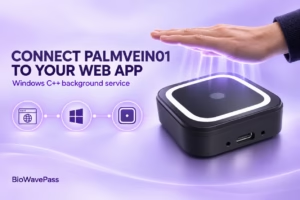
Bringing Palm Vein Scanning into a Web Workflow
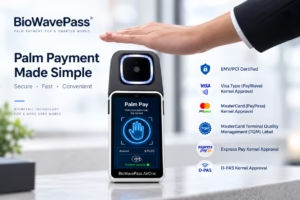
From Palm Payment MVP to Commercial Deployment: Building a Scalable Biometric Payment System
How to Integrate a USB Palm Vein Scanner with a POS Terminal
Palm Payment Goes Live in Azerbaijan: From Biometric Technology to Real-World Payment
From MVP to Market: Scaling Palm Vein Technology with BioWavePass