Can You Use Palm Pay Without Depending on Android or iOS?
🌐 Introduction
As contactless payments evolve, one of the most common questions users ask is:
“Do I need an Android or iPhone to use Palm Pay?”
The answer is simple — no.
Avec BioWavePass Palm Pay, your biometric identity (your palm) is securely linked to your wallet account in the backend system — not through your phone or operating system.
That means payments work anywhere, anytime, even if you leave your phone at home.
💡 The Core Idea
Palm Pay and your e-Wallet are completely independent from Android or iOS.
Once your palm is registered, it becomes a universal payment credential.
Whether you switch phones, change operating systems, or don’t carry a device at all, the system still recognizes your identity through the palm scanner.
🔒 Why Palm Pay Doesn’t Depend on a Mobile OS
1️⃣ Registration Happens on Certified Devices
Palm registration never occurs on your phone — it’s completed on certified BioWavePass hardware terminals such as POS systems, kiosks, or access gates.
- The scanner captures both RGB + IR palm images to detect real vein patterns.
- The data is encrypted instantly and sent to your wallet’s backend server.
- No information is stored on the mobile device.
2️⃣ Payment Works Without a Phone
Once your palm is registered:
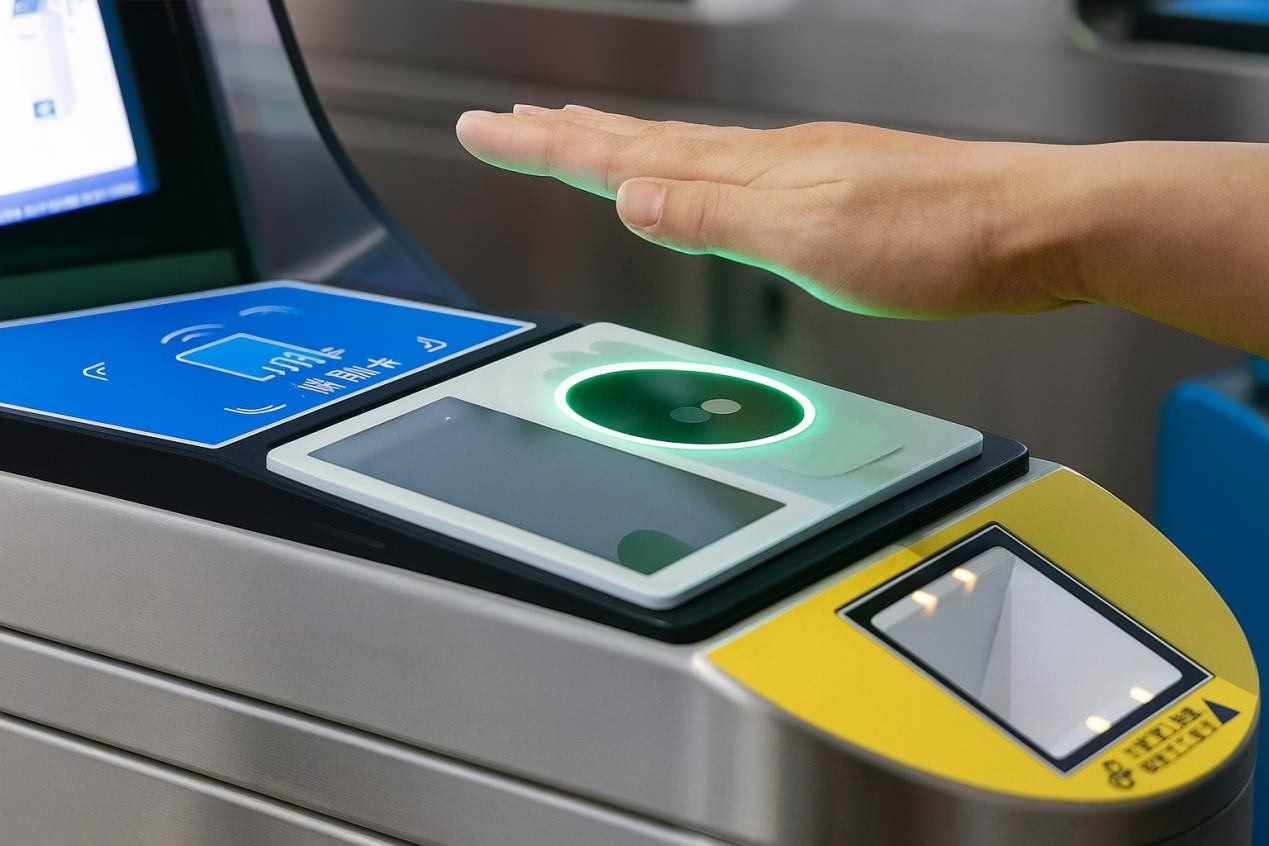
- You simply place your hand on any supported palm scanner.
- The terminal verifies your palm through the backend system.
- Your wallet processes the payment automatically.
✅ No phone, app, or mobile signal required — just your hand.
3️⃣ Account Binding Is Done in the Cloud
Le Palm ID is securely connected to your e-Wallet account in the backend system, not through the mobile OS.
This design ensures your payment identity remains valid even if you:
- Switch phones
- Change operating systems
- Lose your device
4️⃣ Wallet Apps Still Manage Your Account
Your e-Wallet app (on either Android or iOS) is used only for:
- Viewing transaction history
- Managing linked cards
- Setting spending limits
All payment authentication still happens through the BioWavePass scanner and backend, not the phone itself.
👋 A Simple Example
Think of Palm Pay as face or fingerprint payment, but even more convenient.
Your palm data lives in the cloud — not on your phone.
When you register once at a BioWavePass-supported terminal, your palm becomes your secure wallet key.
So whether you use Android, iOS, or don’t have a phone at all — the system can still identify you instantly and process your payment in seconds.
🧩 What This Means for Customers and Partners
✅ Truly Device-Independent Payments
- Works the same across Android, iOS, or even without a mobile phone.
✅ Hardware + Cloud Integration
- The palm scanner and backend manage authentication, not the OS.
✅ Seamless Experience for All Users
- Registration is unified; payments are instant and contactless.
✅ Perfect for Public and Private Applications
- Retail, transit, healthcare, and access control systems all benefit from consistent, secure verification.
✅ Conclusion
Your phone connects you to the internet. Your palm connects you to your wallet.
BioWavePass Palm Pay ensures that payments are universal, OS-independent, and secure, giving users total flexibility and freedom.
Whether you’re using Android, iOS, or no device at all, your identity remains verified — directly through your palm.
🌐 Learn more about BioWavePass Palm Pay Solution
Tags:
#BioWavePass #PalmPay #PalmVeinTechnology #eWallet #Fintech #ContactlessPayment #BiometricPayment #DigitalIdentity #Security #Innovation #Android #iOS
Partager cet article
A propos de l'auteur

Vous pourriez aussi aimer
Bringing Palm Vein Scanning into a Web Workflow
From Palm Payment MVP to Commercial Deployment: Building a Scalable Biometric Payment System
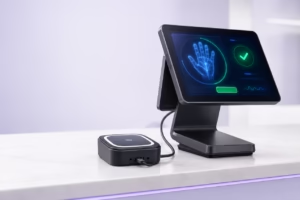
How to Integrate a USB Palm Vein Scanner with a POS Terminal
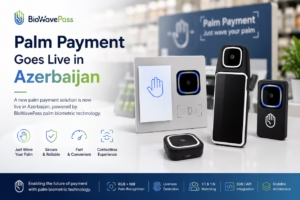
Palm Payment Goes Live in Azerbaijan: From Biometric Technology to Real-World Payment
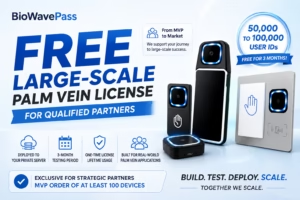
From MVP to Market: Scaling Palm Vein Technology with BioWavePass
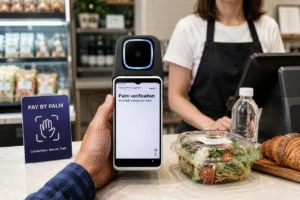
Palm Vein Payment: How Biometric Payments Work Without Cards or Phones
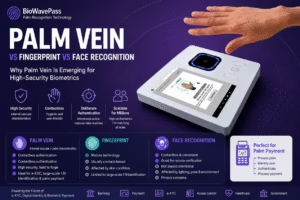
Palm Vein vs Fingerprint vs Face Recognition: Why Palm Vein Is Emerging for High-Security Biometrics
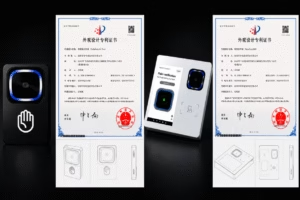
BioWavePass Palm Vein Scanner Products Receive Design Patent Certification
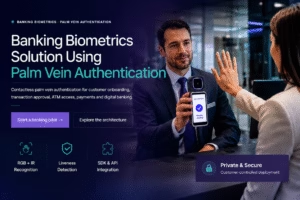
Palm Vein Authentication: The Future of Secure Digital Identity and Payments