Small Model and Large Model Palm Vein Systems: What Developers Must Keep Separate
Your team has tested a palm vein reader with the Small Model. Now you are evaluating the Large Model for a broader project.
Can you keep the same identifiers? Add the new SDK alongside the existing one? Point your application at a different server and continue using the same registrations?
These questions share an important starting point:
BioWavePass’s Small Model and Large Model are entirely separate, decoupled systems. They should not be treated as two connected versions of one application or database.
Understanding that separation helps developers plan registration, account binding and testing without building around assumptions that the interfaces do not support.
1. Similar Scanning Does Not Mean the Systems Are Connected
Both systems involve presenting a palm to a compatible reader. Some device interactions, including preview, scanning steps, LED control and USB handling, remain similar.
That familiar experience can make the software change look smaller than it is.
The differences concern the integration behind the scan:
- SDK dependencies.
- Service configuration.
- Registration methods.
- Identification results.
- Deletion methods.
- Where registration data is managed.
Your developers should evaluate the Large Model through its own SDK and documentation, even if they already understand how to operate the reader.
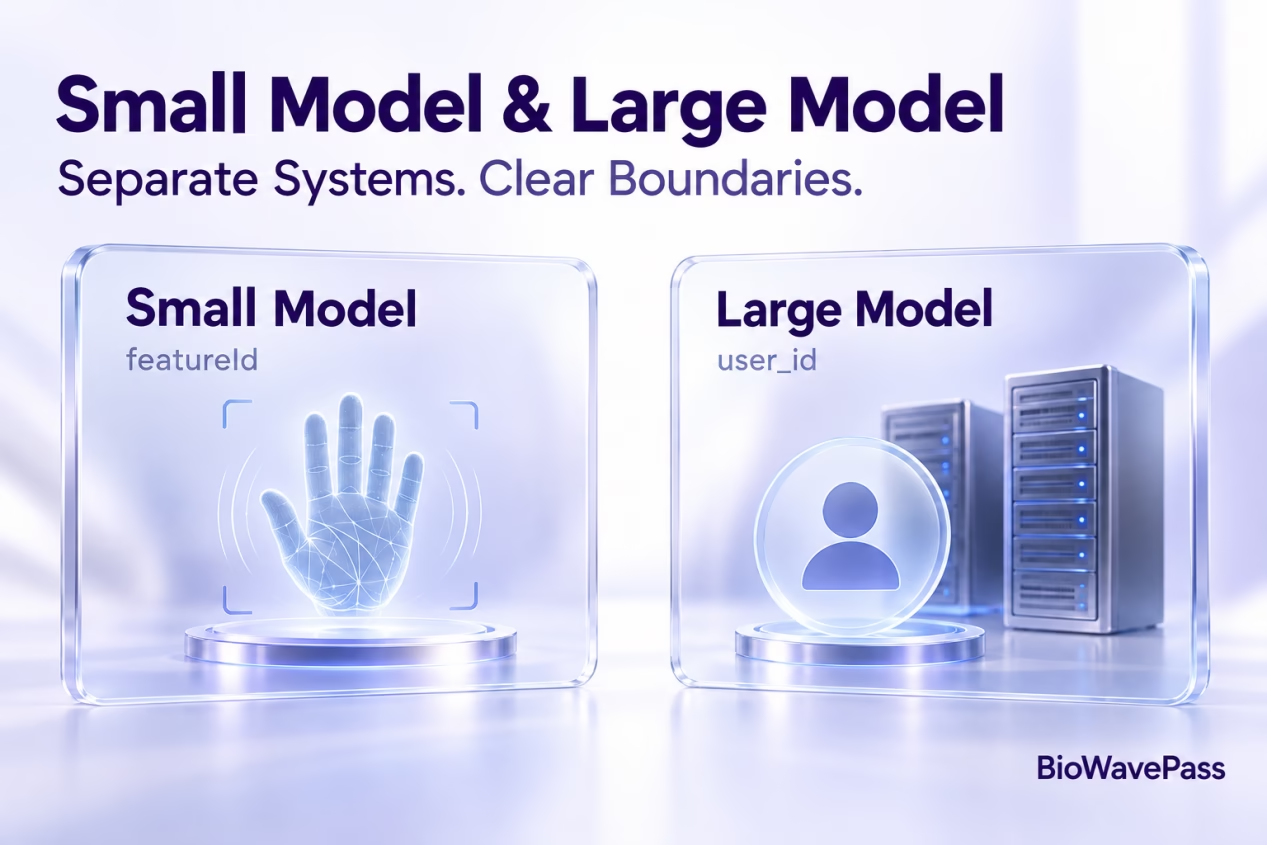
2. featureId and user_id Identify Different Things
The identifier is one of the clearest distinctions between the two systems.
| System | Identifier | Meaning |
|---|---|---|
| Small Model | featureId |
Identifies a palm |
| Large Model | user_id |
Identifies a user defined by the customer’s platform |
A Small Model feature ID is not automatically a Large Model user ID.
In the Large Model, your platform generates a stable, unique identifier and supplies it during registration. The SDK and Algorithm Server do not generate that business identity for you.
Registered left and right palms can then be associated with the same user ID.
What does this mean for your application?
Your backend should know which customer or employee record the supplied user ID represents.
For a palm vein payment application, that association connects the recognition result to the intended customer account. Your payment platform still handles payment permissions, authorisation and transaction processing.
3. Use the SDK for the Selected System
The two systems have separate SDK dependencies and integration methods.
The Small Model and Large Model SDKs should not be used together in the same application build.
Adding both dependencies is not a supported way to connect the systems or combine their registrations.
A development team can evaluate each system separately, but should keep the relevant application builds, configurations and test expectations clear.
| Integration area | Small Model | Large Model |
|---|---|---|
| Configuration | Company and connection parameters | Server URL |
| Identification result | Feature ID | Platform-supplied user ID |
| Registration identifiers | Palm-specific IDs | User ID |
| Deletion approach | Feature-ID-based methods | User-ID-based method |
| Service environment | Small Model service | Large Algorithm Server |
Use the exact interfaces documented for the SDK version supplied to your project.
4. Large Model Registration Is Its Own Workflow
The Large Scale SDK requires a valid server URL for registration and identification.
Your application supplies its user ID during registration, for example:
registerUserWithPalmData(userId = "customer-123")
The method registers palm data with the Algorithm Server and associates it with that supplied identifier. Registration biometric data is returned after successful registration.
This is not simply a request to rename an existing Small Model feature ID.
The current Large Scale SDK also does not provide a separate capture-only method that returns palm data without completing the server registration flow.
5. Your Backend Can Participate Without Connecting the Two Models
The Large Scale SDK can communicate directly with the Algorithm Server or through your backend.
If your backend sits between them, the supported flow is:
Terminal SDK → Your backend → Large Algorithm Server → Your backend → Terminal SDK
Your backend must expose the required operations and return responses in the format expected by the SDK.
This arrangement connects your business platform to the Large Model. It does not merge the Large Model with the Small Model.
Your platform may maintain the business records needed for its project, but the biometric services and their registrations remain separate.
6. Existing Users Need Registrations in the Large Model
A common question is whether existing users must present their palms again when a project begins using the Large Model.
The answer depends on what data the project has retained.
Where suitable palm images and corresponding business user IDs are available, your team can create a script that calls the Large Scale registration API for each user.
The process uses:
- The retained palm images.
- The corresponding user ID supplied by your platform.
- A registration request to the Large Model for that user.
This creates registrations in the Large Model. It is not an automatic database merge or a direct transfer of feature IDs.
The documented approach is to register users one at a time through API calls. Do not assume that a separate bulk-import endpoint is available.
If suitable palm images have not been retained, users may need to present their palms again.
7. Separate Business Continuity from Biometric Data Compatibility
A customer can remain the same person in your business platform while having different registrations in separate biometric systems.
For example, your platform may continue using its existing customer record while associating that record with a Large Model user ID.
Maintaining that business relationship is your platform’s responsibility.
It does not mean that the biometric identifiers, templates or SDK calls are interchangeable.
Before changing the application workflow, verify:
- Which business record each registration belongs to.
- Which biometric system the application is calling.
- Which identifier the response contains.
- Which deletion method applies.
- How the application handles incomplete or unsuccessful registration.
These checks help preserve correct account associations during a project transition.
8. Do Not Confuse System Transition with Large Model Expansion
Two different project changes are often described as an “upgrade”:
| Project change | What it involves |
|---|---|
| Beginning to use the Large Model after the Small Model | Integrating a separate SDK and service, defining user IDs and creating Large Model registrations |
| Increasing the Large Model from 100,000 to one million users | Reviewing hardware, storage, licence capacity and QPS configuration within the Large Model |
An increase in registered users alone does not require changing the default Large Model device SDK.
That capacity expansion is different from integrating the Large Model for the first time.
9. Start with a Working Large Model Demo
The most useful first step is to run the Large Scale SDK and Demo successfully.
BioWavePass provides a public-cloud testing environment and Demo before customers purchase the large-model algorithm.
Use that evaluation to confirm:
- How your platform supplies a user ID.
- How registration completes.
- What identification returns.
- How deletion is handled.
- How your backend receives and interprets the results.
Once your team has completed this workflow, questions about the Large Model can be assessed against an actual working integration.
Experience with the Small Model is useful background, but it does not replace testing the separate Large Model workflow.
Frequently Asked Questions
Are the Small Model and Large Model connected?
No. They are separate, decoupled systems.
Can we include both SDKs in one application build?
The supplied technical guidance states that the two SDKs should not be used together in the same app build.
Does a featureId become a user_id?
No. A feature ID identifies a palm in the Small Model. Your platform supplies the user ID used in the Large Model.
Can existing users be registered without another palm scan?
Where suitable palm images and corresponding user IDs have been retained, a script can submit them to the Large Scale registration API. Without suitable images, new palm capture may be required.
Will moving from 100,000 to one million Large Model users require a new device SDK?
User-count growth alone does not require changing the default device SDK. Server resources, licence capacity and QPS configuration need to be reviewed separately.
Evaluate the Right System for Your Project
A clear understanding of system boundaries makes palm vein integration easier to plan.
Keep identifiers, SDK dependencies and registrations specific to the selected system. Maintain the business account relationships in your platform, and validate the Large Model through its own Demo and interfaces.
Share this article
About the Author

You might also like
Scaling Palm Vein Recognition from 100,000 to One Million Users: What Changes?
Can a Palm Vein SDK Capture Data Without an Algorithm Server?
Palm Vein Image Encryption: Why AES-256-GCM Alone Does Not Guarantee Compatibility
Large-Scale Palm Vein Recognition: How to Test the SDK and Plan for Growth
Palm Vein Payment SDK: Direct Algorithm Server Integration or Your Own Backend?
Palm Vein Deployment Support: Who Can Access Your Servers?
Scaling Palm Vein Payment: Single Server or Kubernetes Cluster?
Before You Scale Palm Vein POS: A Terminal Management Checklist
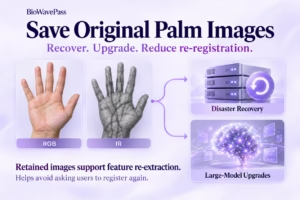
Why Saving Original Palm Images Matters for Biometric Recovery and Future Upgrades By BioWavePass