Palm Vein Payment Integration: Connecting Wallets, Checkout and Loyalty
A customer reaches the checkout. The cashier asks for a membership number, the customer searches for a discount in an app, and then opens a wallet to pay.
Each step works, but the customer has to identify themselves several times during one purchase.
For fintechs and banks building a palm payment service, this is a useful place to start. Can palm authentication help the checkout system find the right customer account and bring the relevant services together?
BioWavePass provides palm recognition hardware and SDK/API support for these integrations. The value depends on how the bank, wallet provider and merchant use the recognition result in their own systems.
What Does Palm Recognition Return to a Payment Platform?
Palm recognition provides a biometric matching result. It does not return a bank balance, membership status or payment approval.
During registration, the business application associates a palm identity with a customer account. At checkout, the palm recognition service identifies the registered user, and the business backend uses that identifier to retrieve the appropriate records.
Those records might include:
- A wallet account available for payment.
- A membership linked to the participating retailer.
- Loyalty points or offers the customer is eligible to use.
- Account restrictions that require another verification step.
The recognition service identifies a registered user. The business platform determines which services that user can access.
Can Palm Payment Connect to an Existing Digital Wallet?
Yes, provided the wallet platform supports the necessary integration.
A fintech does not need to build a new wallet simply to introduce palm authentication. It can associate a palm registration with an existing wallet account and add palm recognition as an account identification method at supported checkout locations.
A typical flow is:
- The customer signs in to their existing wallet.
- The application explains palm registration and obtains the required consent.
- A compatible scanner captures the palm.
- The backend associates the successful registration with the wallet account.
- At a later checkout, a palm match helps the platform locate that account.
- The wallet applies its transaction checks and payment authorisation process.
The design must make clear which account will be charged and how the customer confirms the purchase. Additional verification may still be required according to the platform’s rules and the transaction.
How Can Merchants Use Palm Authentication for Loyalty?
Membership identification is often a separate step from payment. Customers provide a phone number, scan a membership code or carry another card.
Where customers choose to link their membership, palm authentication can help the merchant retrieve the corresponding record during checkout.
For example, a participating grocery store could use the recognised customer reference to check available member pricing. The payment platform would then continue with its own authorisation process.
The merchant does not need the customer’s biometric images to apply a discount. It needs an authorised reference that its membership system understands.
This separation helps keep the integration focused: the biometric service performs recognition, while the retailer’s system manages membership benefits.
Does One Palm Registration Work Across Different Merchants?
It can work across participating merchants within a deliberately integrated platform. It does not happen automatically.
The platform operator must establish how customer identities are linked, which merchants participate and what information each merchant may receive.
A wallet provider might maintain one customer account while using separate membership references for different retailers. A merchant would receive the information needed for its own transaction, rather than access to the customer’s activity across the entire network.
Separate palm recognition systems should not be assumed to share registrations or recognise each other’s users. Compatibility, permissions and data relationships need to be confirmed before promising a network-wide experience.
What Software Does a Palm Payment Project Need?
The scanner is one component of the checkout service.
| Component | Main responsibility |
|---|---|
| Palm recognition device | Capture suitable palm images |
| Device SDK | Support capture and communication with the application |
| Recognition server | Process registration and matching requests |
| Business backend | Associate recognition identifiers with customer accounts |
| Wallet or banking system | Check funds, apply controls and authorise payments |
| Merchant POS and loyalty system | Manage the purchase, membership and applicable benefits |
In BioWavePass’s large-model architecture, the customer’s application defines the user_id at registration.
The device-side component handles image selection and capture. The server-side component performs matching. Registration success must therefore be determined from the server’s response, rather than from the fact that the device captured an image.
The development team should use the API documentation to interpret return codes and build the corresponding application behaviour.
A failed registration, an unrecognised palm and an unavailable server need different responses. Handling those situations is part of the customer’s application development.
Choose Hardware Around the Checkout
A device that suits a staffed counter may not suit a self-service kiosk or a portable checkout.
Before selecting palm vein payment hardware, confirm how it will connect to the existing system.
For a USB palm vein scanner, check the host’s USB data support, permissions and available power. A charging port alone does not establish compatibility.
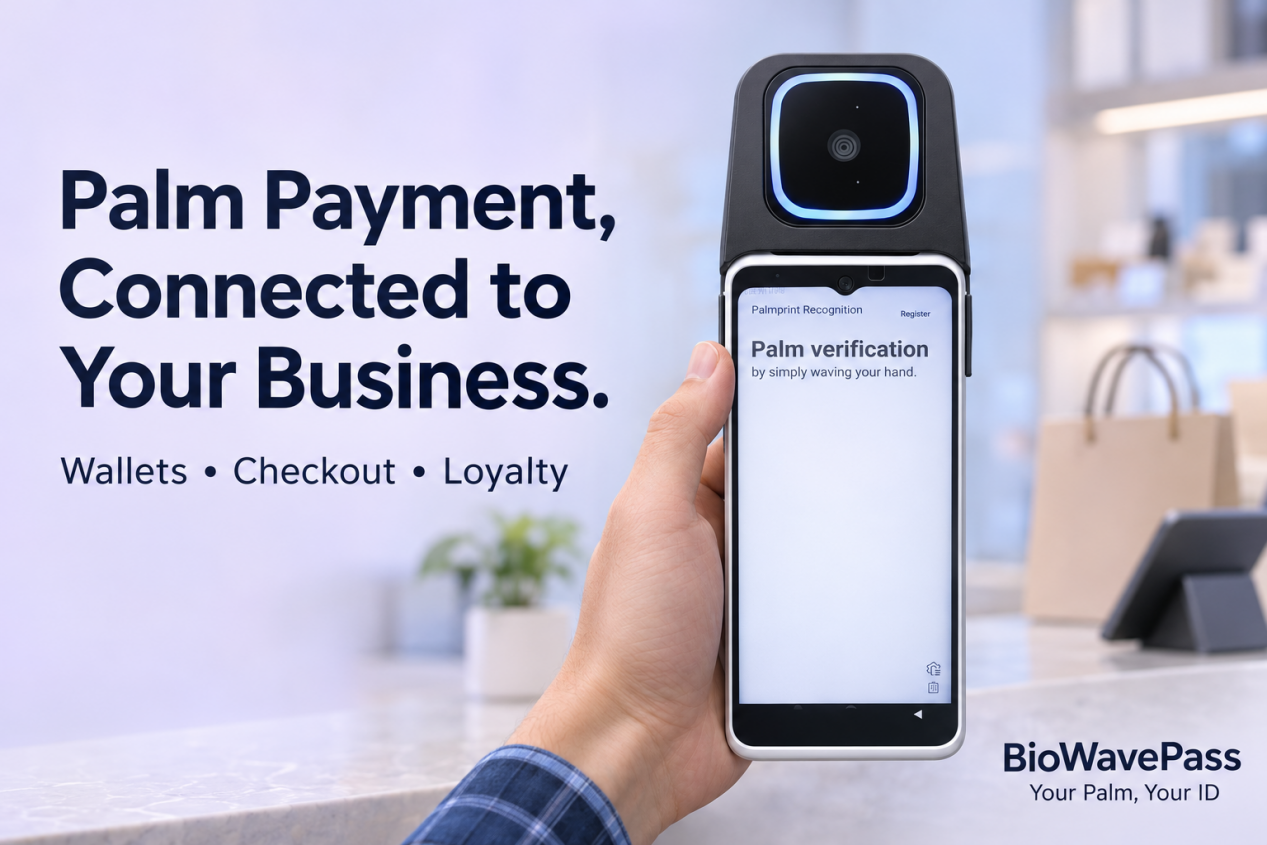
For an Android terminal, confirm that the application can access the required interfaces and communicate with the customer’s backend.
Physical placement also matters. Customers need enough space to present a bare palm naturally, and staff need a clear view of the transaction status.
BioWavePass supports projects using USB palm vein readers and Android palm recognition terminals. The appropriate choice depends on the host system, power arrangement and intended workflow.
Test the Whole Purchase Before Expanding
A successful biometric match is only one part of a successful checkout.
During a pilot, test whether the application retrieves the correct account, applies the right membership benefits and handles payment failures clearly. Check what happens if the customer moves their hand too early, the network becomes unavailable or the wallet declines the transaction.
Customers should also have an alternative way to complete the purchase.
Useful pilot measures include:
- Registration completion rate.
- Recognition performance under actual store conditions.
- Total checkout time.
- Frequency of staff assistance.
- Repeat use by enrolled customers.
- Successful handling of failed or interrupted transactions.
These results give the bank or fintech a practical basis for deciding whether to extend the service to more merchants.
Build Around the Services Customers Already Use
Palm payment becomes more useful when it fits an existing account, a familiar store and a clear reason to use it again.
For a bank, that may mean making an account easier to access at participating merchants. For a fintech, it may mean bringing wallet identification and membership recognition into the same checkout flow.
BioWavePass supplies the palm recognition hardware and integration tools. Banks, fintechs and merchants define the account connections and customer experience.
To discuss an integration, [contact BioWavePass] with details of your wallet or banking platform, merchant POS environment and intended registration process.
Share this article
About the Author

You might also like

Scaling Palm Vein Recognition from 100,000 to One Million Users: What Changes?
Small Model and Large Model Palm Vein Systems: What Developers Must Keep Separate
Can a Palm Vein SDK Capture Data Without an Algorithm Server?
Palm Vein Image Encryption: Why AES-256-GCM Alone Does Not Guarantee Compatibility
Large-Scale Palm Vein Recognition: How to Test the SDK and Plan for Growth
Palm Vein Payment SDK: Direct Algorithm Server Integration or Your Own Backend?
Palm Vein Deployment Support: Who Can Access Your Servers?
Scaling Palm Vein Payment: Single Server or Kubernetes Cluster?
Before You Scale Palm Vein POS: A Terminal Management Checklist